
Disclosure: This page may contain affiliate links. I may earn a commission at no extra cost to you if you purchase through one of these links.
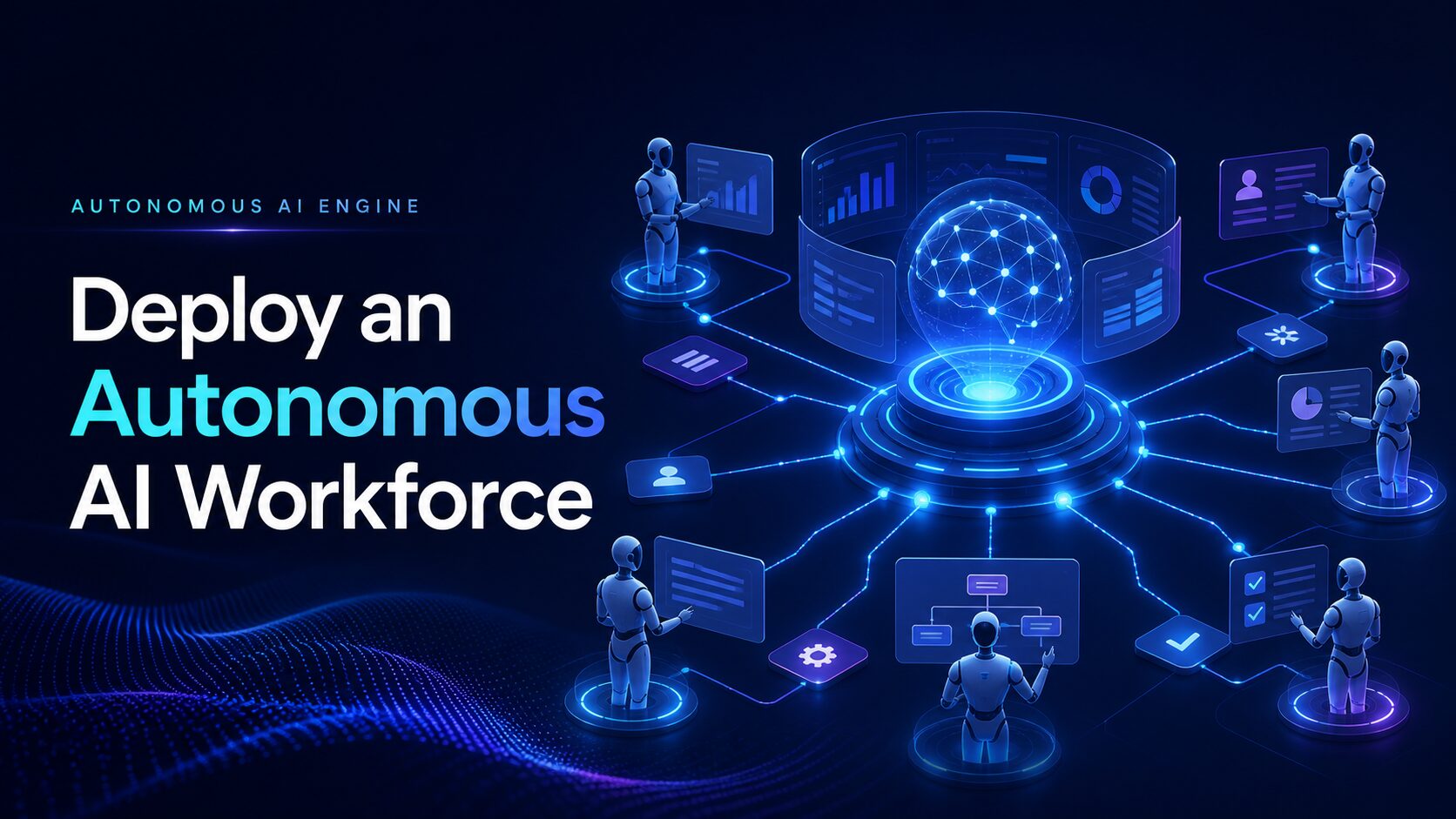
Autonomous AI Engine Lets You Deploy a fully autonomous, self-operating AI workforce is a compelling proposition for small business owners who spend too much time coordinating repetitive digital tasks. Instead of switching among separate tools for research, content, customer support, data processing, and follow-up, an autonomous AI platform aims to manage connected workflows from one central dashboard.
The product is presented as a breakthrough system that can think, decide, execute, and improve with limited day-to-day intervention. It is also promoted as an alternative to managing multiple tools, manual processes, and human teams. These are significant claims, so prospective users should look beyond the headline and evaluate what the platform can realistically do for their specific business.
This guide explains autonomous AI in practical terms, explores potential use cases, and provides a responsible framework for deciding whether this type of system belongs in your business.
What Is an Autonomous AI Engine?
An autonomous AI engine is a software system designed to complete multi-step objectives rather than respond to one isolated instruction. A conventional AI assistant may generate an article outline when prompted. An autonomous system may be configured to research a topic, create the outline, prepare a draft, check it against predefined rules, and send it for approval.
The key difference is workflow autonomy. The system receives a goal, follows a process, makes decisions within configured boundaries, and moves work between stages. Depending on the platform, it may also retain context, monitor outcomes, and adjust future actions.
That does not mean the software possesses human judgment or can safely operate without limits. AI output can be incomplete, inaccurate, repetitive, or inappropriate for a particular audience. Autonomy is most useful when it is paired with clear instructions, reliable data, approval checkpoints, and human accountability.
What Does a Self-Operating AI Workforce Mean?
An AI workforce generally refers to multiple specialized AI agents or automated workflows. Each agent may be assigned a role, such as researching topics, drafting messages, organizing information, qualifying inquiries, or preparing reports.
These agents can potentially pass information to one another. For example, a research agent might collect relevant points, a writing agent might create a draft, and a review agent might check the draft against brand guidelines. A human owner can then approve the result before publication.
The term “workforce” is useful for understanding how responsibilities are divided, but it should not be interpreted too literally. AI agents do not replace legal responsibility, strategic leadership, professional expertise, or the nuanced judgment of experienced employees.
How Autonomous AI May Help a Small Business
The strongest use cases usually involve work that is frequent, structured, and easy to verify. Automating these tasks can reduce administrative friction and give business owners more time for decisions that require personal attention.
Content Workflow Coordination
A content workflow may begin with a list of approved topics. The AI can organize keywords, suggest outlines, prepare drafts, create social media variations, and add each item to a review queue.
This does not guarantee search rankings, traffic, or sales. Search performance depends on factors such as originality, usefulness, competition, website quality, and audience demand. Every AI-assisted article should be fact-checked and edited before it is published. AutoChannel AI Review: Is This Autonomous OpenClaw AI Agent Right for You?
Customer Inquiry Management
An autonomous workflow may categorize incoming questions, retrieve information from an approved knowledge base, draft replies, and escalate sensitive requests to a person.
For example, routine questions about opening hours or account navigation may be suitable for automation. Complaints, refunds, legal concerns, health questions, and unusual billing problems should normally be routed to a qualified human.
Lead Follow-Up
AI can potentially organize form submissions, identify the requested service, draft a relevant follow-up message, and schedule a reminder if no response is received.
Businesses must still follow applicable privacy, consent, and anti-spam rules. Automated outreach should be transparent, relevant, and easy to stop. Sending more messages is not necessarily better than sending fewer, carefully targeted messages.
Internal Operations
Small teams may also use autonomous workflows to summarize meeting notes, organize documents, prepare task lists, classify feedback, or generate recurring performance reports.
These applications are often lower risk because the output remains internal. They can provide a useful starting point before a business allows AI to interact directly with customers or publish material publicly.
What “Runs 24/7” Really Means
Software can remain available outside normal working hours, assuming its infrastructure and integrations are functioning. This can be valuable for monitoring inboxes, processing routine requests, or preparing work for the next business day.
However, 24/7 availability does not mean uninterrupted accuracy or guaranteed business results. APIs can fail, data can be missing, instructions can be misunderstood, and connected services can experience downtime. A reliable deployment needs error alerts, spending limits, activity logs, fallback procedures, and a person who remains responsible for oversight.
Can One AI System Replace Teams and Tools?
A unified dashboard may reduce tool switching and consolidate several workflows. That could make an autonomous AI engine easier to manage than a collection of disconnected applications.
Complete replacement is a different matter. Whether the platform can replace any existing tool or role depends on the complexity of the work, the quality of its integrations, security requirements, and the level of judgment involved.
A safer objective is to replace unnecessary steps before attempting to replace entire roles. Let AI handle predictable preparation and coordination while people retain control over strategy, relationships, exceptions, and final approvals.
Practical Steps for Deploying an Autonomous AI Workforce
1. Choose One Specific Workflow
Do not automate the entire business on the first day. Start with a narrow process that has a clear beginning, end, and definition of acceptable output.
A good starter workflow might be turning approved product notes into a draft email. A poor starting point would be allowing AI to manage every customer interaction without review.
2. Document the Current Process
Write down each step a person currently follows. Include the information required, decisions made, tools used, and situations that need escalation.
This documentation becomes the basis for the AI workflow. If the human process is unclear, automation may reproduce that confusion at a larger scale.
3. Define Permissions and Boundaries
Decide what the system may read, create, change, publish, or send. Use the minimum access required for the task. Avoid connecting sensitive databases until you understand the platform’s privacy and security controls.
Set explicit restrictions. For instance, the AI may draft an email but not send it, prepare a refund recommendation but not issue a payment, or propose an article without publishing it.
4. Add Human Approval Points
Approval gates are especially important for public content, financial actions, legal statements, and customer communications. Human review does not eliminate the value of autonomy; it makes autonomy more manageable.
As the system demonstrates reliable performance on a low-risk workflow, you can consider reducing unnecessary approvals while preserving controls for important decisions.
5. Test With Realistic Scenarios
Test ordinary requests as well as incomplete, contradictory, and unusual inputs. Check whether the system recognizes uncertainty, follows instructions, and escalates exceptions correctly.
Keep test data separate from live customer information whenever possible. Record failures and refine the workflow before expanding its access.
6. Measure Useful Outcomes
Select practical measures such as time required for review, number of corrections, successful task completion, response consistency, and cost per workflow. Avoid judging the system solely by how much content or activity it generates.
The goal is dependable business support, not automation for its own sake.
A Simple Autonomous AI Example
Consider a small online retailer receiving repeated questions about product compatibility. A structured autonomous workflow could follow these steps:
- Read a new support request.
- Identify the product and customer question.
- Search an approved product knowledge base.
- Draft a response using only verified information.
- Assign a confidence or exception status.
- Send uncertain or sensitive cases to a support representative.
- Save the outcome so the business can review recurring questions.
This workflow may reduce repetitive preparation without giving the AI unrestricted authority. The business still maintains its source information, reviews exceptions, and monitors response quality.
How to Evaluate This Autonomous AI Engine
Before purchasing any platform, identify the exact features included in the current version. Promotional language can describe the overall vision, while practical value depends on what is available and usable today.
Review the supported integrations, setup process, usage limits, data handling practices, support options, recurring costs, and cancellation or refund terms. Determine whether technical knowledge is required and whether the platform provides logs showing what each AI agent has done.
You should also ask whether outputs can require approval, whether permissions can be limited by agent, and what happens when a connected service fails. If you work with confidential or regulated data, obtain appropriate security and legal guidance before uploading it.
The platform may be worth exploring if you have repeatable digital workflows and are prepared to configure, test, and supervise them. It may be less suitable if you expect instant hands-free operation without setup or if your work relies heavily on confidential information and professional judgment.
Conclusion
An autonomous AI engine can be a useful evolution from single-task AI tools. Its potential lies in connecting steps, coordinating specialized agents, and keeping routine processes moving from one dashboard.
Even so, “fully autonomous” should not mean unsupervised. The most responsible approach is to begin with a limited workflow, define strict boundaries, monitor performance, and retain human control over high-impact decisions. No AI platform can guarantee traffic, rankings, revenue, or operational success.
If you want to examine the platform’s current features and decide whether they match your workflow, visit the official product page here. Review the latest pricing, terms, demonstrations, and feature details before making a purchase.
Affiliate disclosure: This article contains an affiliate link. If you purchase through it, the publisher may receive a commission at no additional cost to you. This does not change the importance of evaluating the product independently.
Frequently Asked Questions
What is an autonomous AI engine?
An autonomous AI engine is software designed to complete connected, multi-step workflows with limited manual prompting. It may plan actions, use approved information, execute tasks, and route results based on predefined rules.
Can autonomous AI operate without human supervision?
It may execute routine workflows automatically, but responsible deployment still requires monitoring. Human approval is particularly important for public, financial, legal, sensitive, or customer-facing actions.
Will an AI workforce replace employees?
It may automate parts of some roles, especially repetitive and structured tasks. It cannot automatically replace human accountability, empathy, strategic judgment, professional expertise, or relationship management.
Is autonomous AI suitable for beginners?
It can be suitable if the platform offers clear setup tools and the user begins with a simple, low-risk workflow. Beginners should test carefully, limit permissions, and avoid connecting sensitive data until they understand the controls.
Does autonomous AI guarantee more traffic or revenue?
No. AI may help streamline research, content preparation, support, or follow-up, but results depend on the business, market, strategy, implementation quality, and many other factors.