
Disclosure: This page may contain affiliate links. I may earn a commission at no extra cost to you if you purchase through one of these links.
Managing a website involves more than publishing content and attracting visitors. Site owners also need to consider privacy requirements, cookie consent, accessibility, security and search engine optimization. Complyzo brings these areas together in one dashboard, helping beginners and small business owners identify potential problems without manually reviewing every page or technical setting.
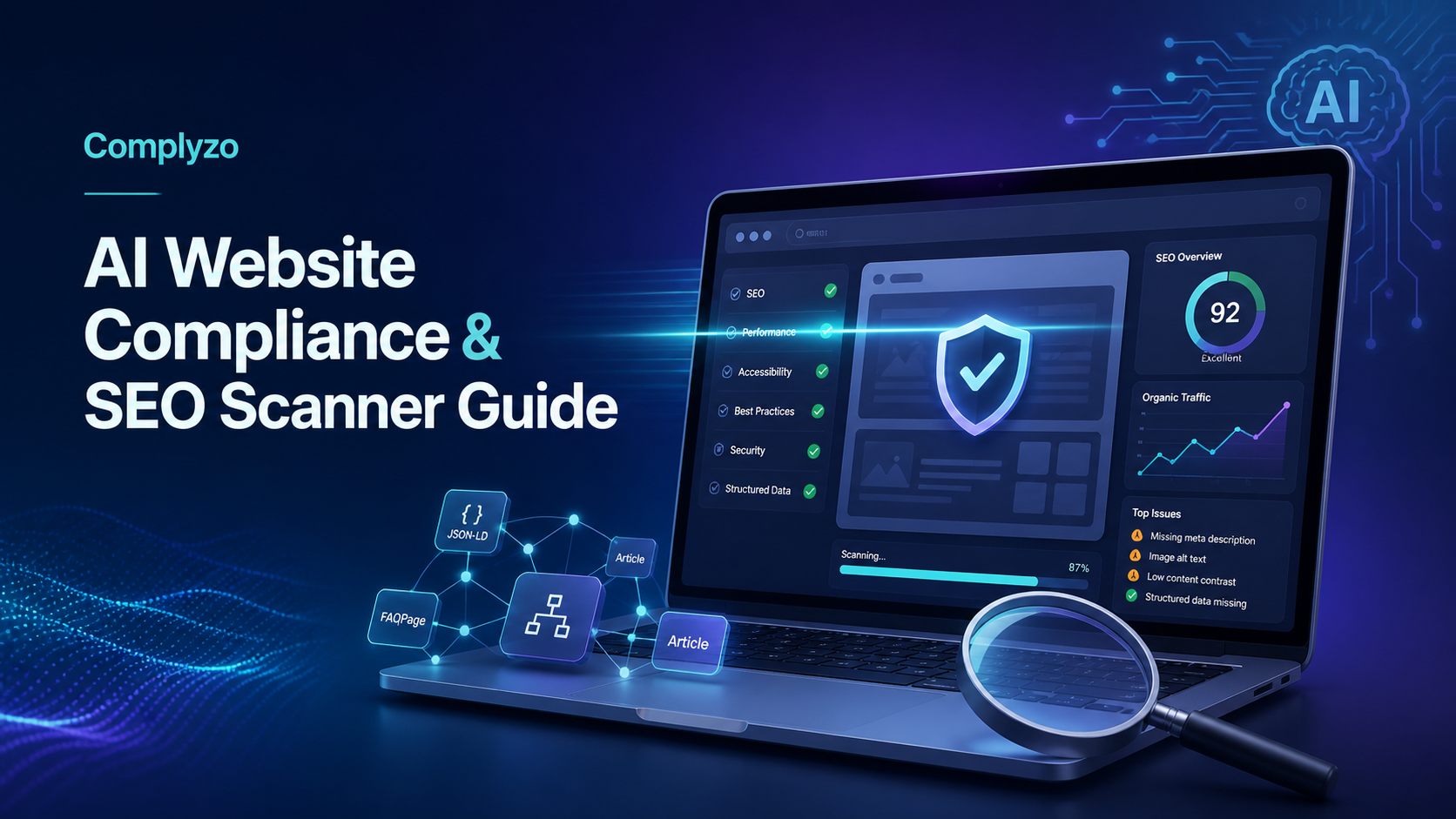
As an AI-powered website compliance and SEO platform, Complyzo scans websites for GDPR, Cookie Consent, Privacy Policy, Accessibility, SSL, Security and SEO issues. It then provides AI-powered recommendations that can help users decide what to fix and where to begin.
What Is Complyzo?
Complyzo is a website scanning platform designed to make technical and compliance-related reviews easier to manage. Instead of using separate tools for SEO, privacy, accessibility and security checks, website owners can review several important areas from a single dashboard.
The platform scans a website and highlights potential issues within minutes. Its recommendations are intended to translate scan findings into practical actions, which may be useful for users who do not have a dedicated legal, SEO or development team.
Complyzo can identify potential concerns, but automated scanning should not be treated as legal advice, a formal accessibility audit or a complete security assessment. Regulations and technical requirements vary by location, industry and website functionality. Professional guidance may still be appropriate for high-risk or complex websites.
What Does Complyzo Scan?
A website can look polished while still having problems behind the scenes. Complyzo reviews multiple categories that influence regulatory readiness, visitor trust, usability and search visibility. AiSitesMagic Review: An AI-Powered Multi-Tenancy Website Builder for Selling Niche Sites
GDPR and Privacy Policy Issues
Websites that collect or process personal information may have privacy obligations. Common examples include contact forms, account registrations, analytics tools, email subscriptions and online checkout systems.
Complyzo scans for potential GDPR and Privacy Policy issues so website owners can identify areas that may require attention. For example, a scan may prompt the owner to review whether data collection is adequately explained or whether a privacy-related page is missing or incomplete.
Cookie Consent
Many websites use cookies for analytics, advertising, personalization or essential site functions. Depending on the audience and cookies involved, a site may need an appropriate consent mechanism.
Complyzo checks for Cookie Consent issues and presents relevant findings in its dashboard. This can help an owner review whether a consent notice is present and whether the website’s cookie practices need further examination.
Accessibility
Accessibility improvements can make a website easier to use for people with visual, hearing, motor or cognitive disabilities. They can also encourage better site structure and clearer content.
Complyzo looks for accessibility concerns that may be detectable through an automated scan. These could relate to page elements, content presentation or technical implementation. However, automated tools cannot evaluate every real-world accessibility barrier. Manual testing and specialist review may be necessary for a more complete assessment.
SSL and Security
SSL helps protect data transmitted between a website and its visitors. A properly configured site normally uses HTTPS, particularly when collecting passwords, payment details or personal information.
Complyzo scans for SSL and other security-related issues that could affect visitor confidence or website operation. These findings can provide a useful starting point, but they do not replace updates, backups, malware monitoring, access controls or a professional security audit.
Search Engine Optimization
Technical and on-page SEO issues can make it harder for search engines to understand a website. Complyzo checks for SEO concerns and provides AI-powered recommendations for addressing them.
Fixing valid SEO issues may support clearer crawling, indexing and page relevance. It does not guarantee higher rankings or traffic. Search performance also depends on competition, content quality, authority, search intent, technical health and many other factors.
Why Combine Compliance and SEO Checks?
Compliance and SEO are often treated as unrelated tasks, but they can overlap in practical website management. A secure, accessible and clearly organized site may provide a better experience for both visitors and search engines.
Using one dashboard can also simplify prioritization. A small business owner may otherwise need to move between an SEO auditing tool, an SSL checker, an accessibility scanner and privacy-related checklists. Complyzo is designed to consolidate these reviews so users can see multiple categories in one place.
This does not mean every flagged issue carries the same level of urgency. An expired SSL certificate, a missing privacy disclosure and a minor SEO improvement have different implications. The dashboard should be used as a decision-support tool rather than a reason to make every change without review. Click here to learn more
How to Use Complyzo in a Practical Workflow
A structured process can make scan results more manageable. The following steps are suitable for beginners reviewing a business website, blog, portfolio or online store.
1. Scan the Correct Website Version
Enter the main public version of your website, including the correct HTTPS address. Before scanning, check whether the site redirects between www and non-www versions so you know which version visitors ultimately reach.
2. Review Results by Category
Work through GDPR, Cookie Consent, Privacy Policy, Accessibility, SSL, Security and SEO findings separately. This prevents a long list of recommendations from becoming overwhelming.
3. Prioritize by Risk and Impact
Begin with issues that could expose visitor data, prevent secure browsing or create significant compliance concerns. Next, address problems affecting usability and essential website functions. Lower-impact SEO refinements can then be scheduled alongside regular content work.
4. Verify Each Recommendation
AI-powered recommendations can save research time, but they should still be reviewed. Confirm that a suggested change fits your website platform, audience, location and business model. Ask a qualified professional to evaluate findings that involve legal interpretation or substantial security risks.
5. Make Changes Carefully
Create a backup before editing templates, plugins, consent settings or server configurations. If possible, test technical changes on a staging website. Record what was changed so it can be reversed if an unexpected problem appears.
6. Rescan and Monitor
Run another scan after making updates to see whether the original issue remains. Periodic reviews are also sensible because websites change over time. New plugins, tracking scripts, forms and content can introduce fresh concerns.
Example: Reviewing a Small Business Website
Consider a local service business with a five-page website. The site has a contact form, an analytics script and a newsletter signup. It also publishes monthly articles to attract relevant search visitors.
The owner could use Complyzo to review whether the site presents potential privacy or cookie consent concerns, whether HTTPS and security-related elements need attention, and whether pages contain detectable SEO or accessibility issues.
After receiving the report, the owner might prioritize any SSL or serious privacy concerns, review the contact form’s data handling, evaluate accessibility findings and then work through SEO recommendations. If a finding requires legal interpretation, the owner could take the report to an appropriate adviser rather than guessing.
This approach uses automation to organize the review while keeping important decisions under human control. Click here to learn more
Who May Find Complyzo Useful?
Complyzo may be worth considering for bloggers, affiliate marketers, freelancers, local businesses, agencies and small online stores that want a broader overview of website health.
It may be particularly helpful for users who currently rely on scattered free checkers or who are unsure where to begin. Agencies may also use scan findings as an initial checklist when reviewing client websites, although specialist audits may still be needed.
Highly regulated organizations, large applications and websites processing sensitive information are unlikely to meet all their obligations through an automated scanner alone. These organizations typically need deeper legal, accessibility and security expertise.
Important Limitations to Keep in Mind
No automated tool can confirm complete legal compliance across every jurisdiction. It also cannot replicate all forms of manual accessibility testing, penetration testing or strategic SEO analysis.
Scan results may require context. A flagged element could be a genuine problem, an intentional configuration or something that requires manual verification. Conversely, a clean scan does not prove that a website has no compliance, security or SEO issues.
Users should also avoid changing important code solely to clear a warning. The goal is to improve the website responsibly, not simply reduce the number of alerts displayed in a report. Click here to learn more
Tips for Getting More Value from the Platform
- Keep a record of scan dates, findings and completed changes.
- Separate urgent risks from optional improvements.
- Review recommendations with the person who manages your website.
- Back up the site before making technical changes.
- Combine automated scans with manual checks on mobile and desktop devices.
- Revisit privacy and consent settings when adding new tracking or marketing tools.
- Measure SEO changes over time without expecting guaranteed ranking improvements.
Conclusion: Is Complyzo Worth Exploring?
Complyzo offers a convenient way to review several important aspects of a website from one place. Its combined approach can help beginners and small business owners uncover potential GDPR, Cookie Consent, Privacy Policy, Accessibility, SSL, Security and SEO issues without assembling a collection of separate scanning tools.
The platform is best viewed as a practical starting point. Its AI-powered recommendations can help organize next steps, but important findings should be verified and complex legal or technical issues should be handled with qualified assistance.
If you want to see whether this AI-powered website compliance and SEO platform fits your website management process, you can visit Complyzo and review the available details. This is an affiliate link, which means the publisher may earn a commission if you make a purchase through it, at no additional cost to you. Click here to learn more
Frequently Asked Questions
What is Complyzo used for?
Complyzo is used to scan websites for potential GDPR, Cookie Consent, Privacy Policy, Accessibility, SSL, Security and SEO issues. It presents findings and AI-powered recommendations through one dashboard.
Does Complyzo guarantee that a website is legally compliant?
No. An automated scan can identify potential concerns, but it cannot guarantee compliance with every law or industry requirement. Legal obligations vary by jurisdiction, audience, industry and data-processing activity.
Can Complyzo improve search rankings?
Complyzo can identify SEO issues and recommend possible improvements. Addressing legitimate issues may support search performance, but rankings and traffic are not guaranteed.
Does Complyzo replace an accessibility or security audit?
No. Automated scanning is a helpful first step, but it cannot detect every accessibility barrier or security vulnerability. Websites with complex features or higher risks may need manual testing and specialist support.
How often should a website be scanned?
There is no universal schedule. Consider rescanning after major design changes, new plugins, tracking scripts, forms or content migrations. Periodic scans can also help identify issues introduced during routine website updates.