
Disclosure: This page may contain affiliate links. I may earn a commission at no extra cost to you if you purchase through one of these links.
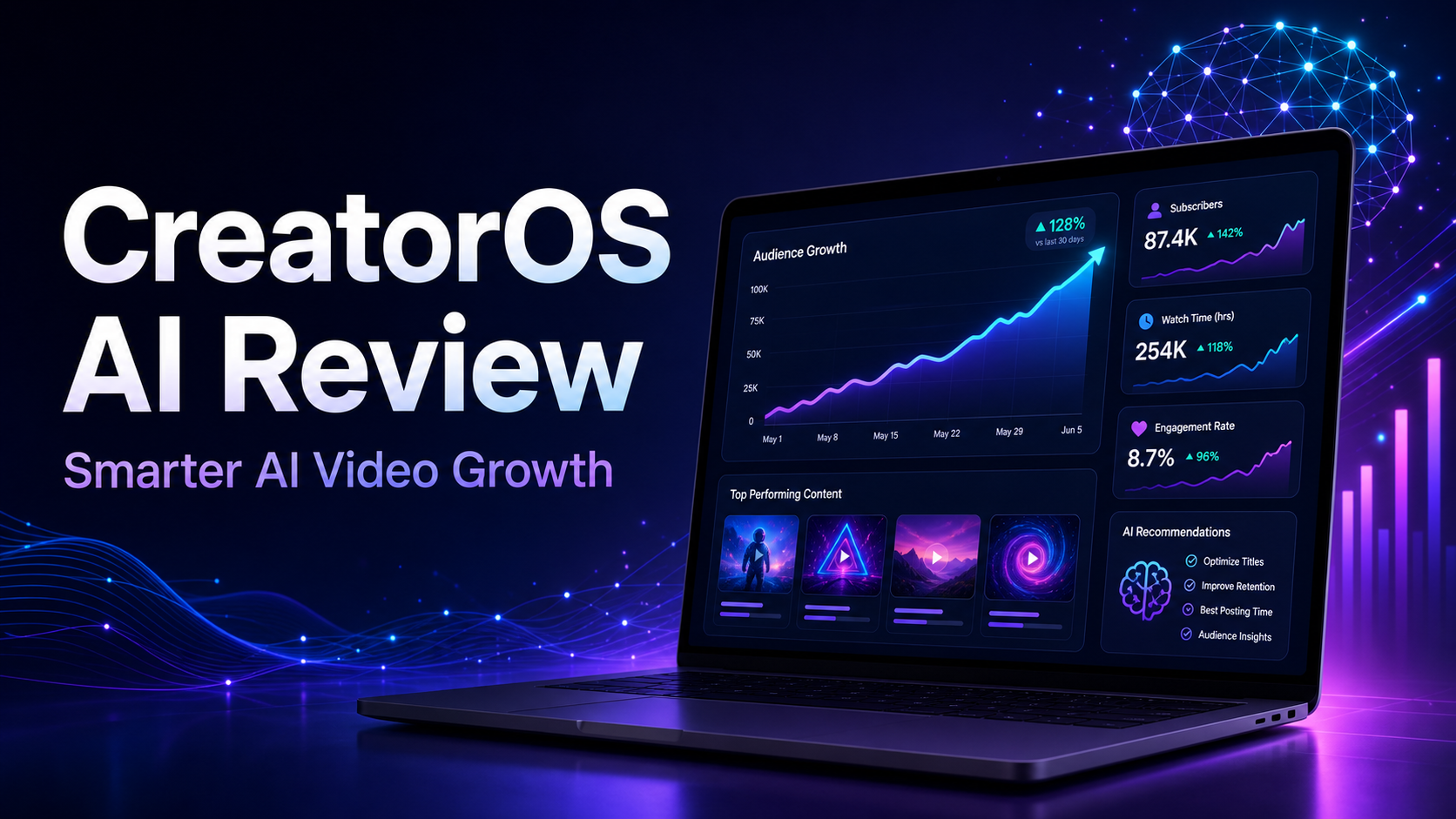
Choosing what to publish on YouTube can feel like a guessing game. You may have dozens of ideas but no clear way to decide which one deserves your time. CreatorOS AI aims to make that decision easier by acting as an AI YouTube Growth Coach that helps you identify what to create, explore why views are stuck, and assess whether a video has potential before you upload it.
This does not mean software can guarantee views, subscribers, rankings, or income. YouTube performance depends on many factors, including audience interest, competition, execution, packaging, retention, and timing. However, a structured coaching tool may help you replace random decisions with a more deliberate content process.
What Is CreatorOS AI?
CreatorOS AI is positioned as an AI-powered growth coach for YouTube creators. Its core purpose is not simply to generate scripts or lists of generic topics. Instead, it is designed to help creators answer three practical questions:
- What should I create next?
- Why are my current videos not attracting more views?
- Does a planned video appear promising before I invest time in uploading it?
These questions matter because publishing more content is not always the right solution. If a topic has weak audience appeal, a title lacks clarity, or the video does not match what viewers expect, increasing output may only create more work.
CreatorOS AI attempts to provide direction before and after publication. You can use that direction as an informed starting point rather than treating every recommendation as a guaranteed prediction.
How an AI YouTube Growth Coach Can Help
Beginners often receive broad advice such as “be consistent” or “make better videos.” While those ideas are reasonable, they do not tell you what to do today. A useful AI YouTube Growth process should help turn broad advice into specific decisions.
Choose Ideas More Strategically
A common creator mistake is selecting topics based only on personal interest. Your enthusiasm matters, but a successful topic also needs to connect with a problem, question, desire, or curiosity that your intended viewers recognize.
CreatorOS AI is designed to suggest what to create next. That may help you compare ideas instead of automatically pursuing the first one that comes to mind.
For example, imagine you run a channel for beginner email marketers. You are considering these videos:
- “My Thoughts About Email Marketing”
- “How to Write a Welcome Email for Your First Subscriber”
- “A Day in My Online Business”
The second concept has a clearer viewer, problem, and outcome. An AI coaching process can encourage this kind of audience-focused thinking, although you should still apply your knowledge of your viewers.
Diagnose Why Views Are Stuck
Low views do not always mean the video itself is poor. The topic may be too narrow, the title may be vague, or the thumbnail may not give viewers a compelling reason to click. In other cases, people may click but leave early because the opening does not deliver what the packaging promised.
CreatorOS AI is intended to help explain why views may be stuck. This can give you a framework for reviewing weak performance instead of abandoning your channel or changing direction after one disappointing upload.
The diagnosis should still be compared with the information available in YouTube Studio. Look at impressions, click-through behavior, audience retention, traffic sources, and viewer comments. AI feedback is most useful when combined with real channel evidence.
Evaluate an Idea Before Uploading
Producing a polished video can take hours or days. Reviewing the concept before filming may help you catch an unclear angle early, when it is easier to revise.
CreatorOS AI is designed to assess whether a video may perform before it goes live. Treat this as a risk-reduction step, not a promise. No tool can know with certainty how viewers or YouTube’s systems will respond.
A promising assessment may give you more confidence in the topic. A weak assessment can prompt useful questions: Is the intended viewer clear? Is the benefit specific? Does the title create an accurate reason to click? Is the idea different enough from competing videos?
Who May Benefit From CreatorOS AI?
CreatorOS AI may be useful for creators who want guidance but are not ready to hire a private channel strategist. It may also suit small business owners who use YouTube as part of a broader content or customer education strategy.
New YouTube Creators
Beginners often struggle to separate productive work from busywork. They may spend hours editing an intro while giving little attention to the topic or title. An AI YouTube Growth Coach can help place more emphasis on decisions that happen before editing.
Small Online Business Owners
A business owner may not need millions of views. A smaller audience of relevant viewers can still support brand awareness, product education, or lead generation. CreatorOS AI may help these users develop videos around real customer questions rather than publishing disconnected promotional content.
Creators Experiencing a Plateau
If your channel receives similar results on every upload, repeating the same process may not reveal the problem. An outside analytical perspective can encourage you to reconsider your topics, positioning, and packaging.
Busy Creators With Too Many Ideas
Having too many ideas can be almost as difficult as having none. A coaching tool may help you prioritize concepts based on clarity and potential audience relevance, reducing the temptation to switch direction every week.
A Practical CreatorOS AI Workflow
The value of any AI tool depends on how you use it. Avoid asking for a complete strategy and accepting the first response without review. A step-by-step workflow produces more thoughtful decisions.
Step 1: Define the Intended Viewer
Write one sentence describing the person you want the video to help. Be specific about the viewer’s current situation rather than using a broad label.
For example: “This video is for a new online shop owner who wants to make product videos but feels uncomfortable on camera.”
Step 2: List Real Viewer Problems
Collect questions from comments, support emails, sales conversations, communities, and YouTube search suggestions. Do not invent problems merely because they fit a product you want to promote.
Turn each problem into a possible video outcome. “I do not know what to say on camera” could become “A Simple Product Video Script for Camera-Shy Shop Owners.”
Step 3: Use CreatorOS AI to Compare Ideas
Submit your ideas with enough context for meaningful feedback. Include the target viewer, channel theme, intended outcome, and why you believe the topic matters.
Compare recommendations instead of looking only for a yes-or-no answer. One idea may have a clearer benefit, while another may better fit your existing audience. Your final choice should balance AI guidance with your experience and available resources.
Step 4: Strengthen the Promise
Before recording, make sure the video promise is specific and realistic. Avoid exaggerated claims. A title such as “Get Unlimited YouTube Views Instantly” is not credible and creates expectations the video cannot responsibly satisfy.
A clearer alternative might be “5 Ways to Improve a YouTube Video Before You Publish.” It communicates a useful outcome without guaranteeing performance.
Step 5: Align the Opening With the Title
The first part of the video should quickly confirm that viewers clicked the right result. If the title promises a beginner tutorial, avoid a long personal update before beginning the tutorial.
State the problem, explain what viewers will learn, and move into the first useful point. This alignment can improve the viewer experience even when it does not produce immediate growth.
Step 6: Review the Published Results
After publishing, record what happened. Compare the result with your expectations and the tool’s assessment. Note whether the topic attracted impressions, whether the packaging encouraged clicks, and where viewers appeared to lose interest.
One upload is not enough to establish a reliable pattern. Review several comparable videos before making a major channel change.
Example: Planning a Video With AI Guidance
Suppose a small bookkeeping business has a YouTube channel for freelancers. The owner wants to create a video called “Bookkeeping Tips.” The idea is relevant but broad.
Using an AI YouTube Growth coaching approach, the owner could refine the concept by identifying a specific viewer and moment of need. The topic might become “How to Organize Business Expenses Before Tax Time: A Freelancer Checklist.”
The revised idea gives the video a defined audience, timely problem, and practical format. CreatorOS AI could be used to assess the concept and highlight possible weaknesses before production.
The owner should then verify that the advice is accurate, avoid presenting general information as personalized financial guidance, and ensure that the finished video fulfills the title’s promise. AI can support the planning process, but subject expertise remains essential.
What CreatorOS AI Cannot Do for You
An honest review must acknowledge the limits of AI. CreatorOS AI cannot control audience demand, platform changes, competitor activity, or how well you communicate on camera. It also cannot replace original insights, accurate information, or a genuine understanding of your customers.
A pre-upload assessment is not a forecast you should treat as certain. A highly rated concept can still underperform, while an overlooked idea can connect with viewers unexpectedly.
You must also check all AI-generated recommendations for accuracy and relevance. If your channel discusses health, law, finance, safety, or another sensitive subject, qualified human review is especially important.
Tips for Getting More Useful Recommendations
- Provide context: Explain your niche, audience level, channel objective, and previous topics.
- Ask focused questions: Request feedback on the idea, viewer promise, or possible weaknesses rather than asking AI to “make it viral.”
- Keep your voice: Use recommendations to improve your thinking, not to make every video sound generic.
- Compare ideas fairly: Evaluate concepts aimed at similar viewers and goals.
- Track outcomes: Keep a simple record of ideas, predictions, titles, and actual performance.
- Test responsibly: Change one major element at a time when possible so you can learn from the result.
Is CreatorOS AI Worth Considering?
CreatorOS AI may be worth exploring if your biggest YouTube challenge is uncertainty. It offers a structured way to think about what to publish, why current videos may be stuck, and whether an idea deserves further development before upload.
Its usefulness will depend on the quality of your inputs and your willingness to evaluate the output critically. It is not a substitute for experimentation, audience research, or consistent improvement. It may, however, help you make those efforts more focused.
If you want to see whether the tool fits your workflow, you can learn more about CreatorOS AI here. This is an affiliate link, which means I may earn a commission if you purchase through it. Review the current product details, pricing, and terms before making a decision.
Conclusion
Sustainable AI YouTube Growth is less about finding a magic button and more about improving the quality of your decisions. Choosing audience-focused topics, examining weak results, and reviewing concepts before production can reduce avoidable mistakes.
CreatorOS AI is designed to support that process as an AI YouTube Growth Coach. Use it as a second opinion, combine its guidance with YouTube Studio data, and keep your own judgment at the center of your strategy. The goal is not to eliminate uncertainty completely. It is to stop guessing blindly and start creating with a clearer reason behind every upload.
Frequently Asked Questions
What is CreatorOS AI?
CreatorOS AI is an AI YouTube Growth Coach designed to help creators decide what to make, investigate why views may be stuck, and assess video concepts before uploading.
Can CreatorOS AI guarantee more YouTube views?
No. No AI tool can guarantee views, subscribers, rankings, or revenue. CreatorOS AI can provide guidance, but results depend on your topic, execution, audience, competition, and other factors.
Is CreatorOS AI suitable for beginners?
It may be useful for beginners who need a structured way to choose and evaluate video ideas. Beginners should still verify recommendations and learn how to interpret their channel analytics.
Should I follow every recommendation CreatorOS AI gives me?
No. Treat its recommendations as informed suggestions. Compare them with audience feedback, YouTube Studio data, your subject knowledge, and the purpose of your channel.
Can small businesses use CreatorOS AI?
Yes, small businesses may use it to plan educational videos around customer questions, product use cases, and relevant problems. Content should remain accurate, helpful, and appropriate for the intended audience.