
Disclosure: This page may contain affiliate links. I may earn a commission at no extra cost to you if you purchase through one of these links.
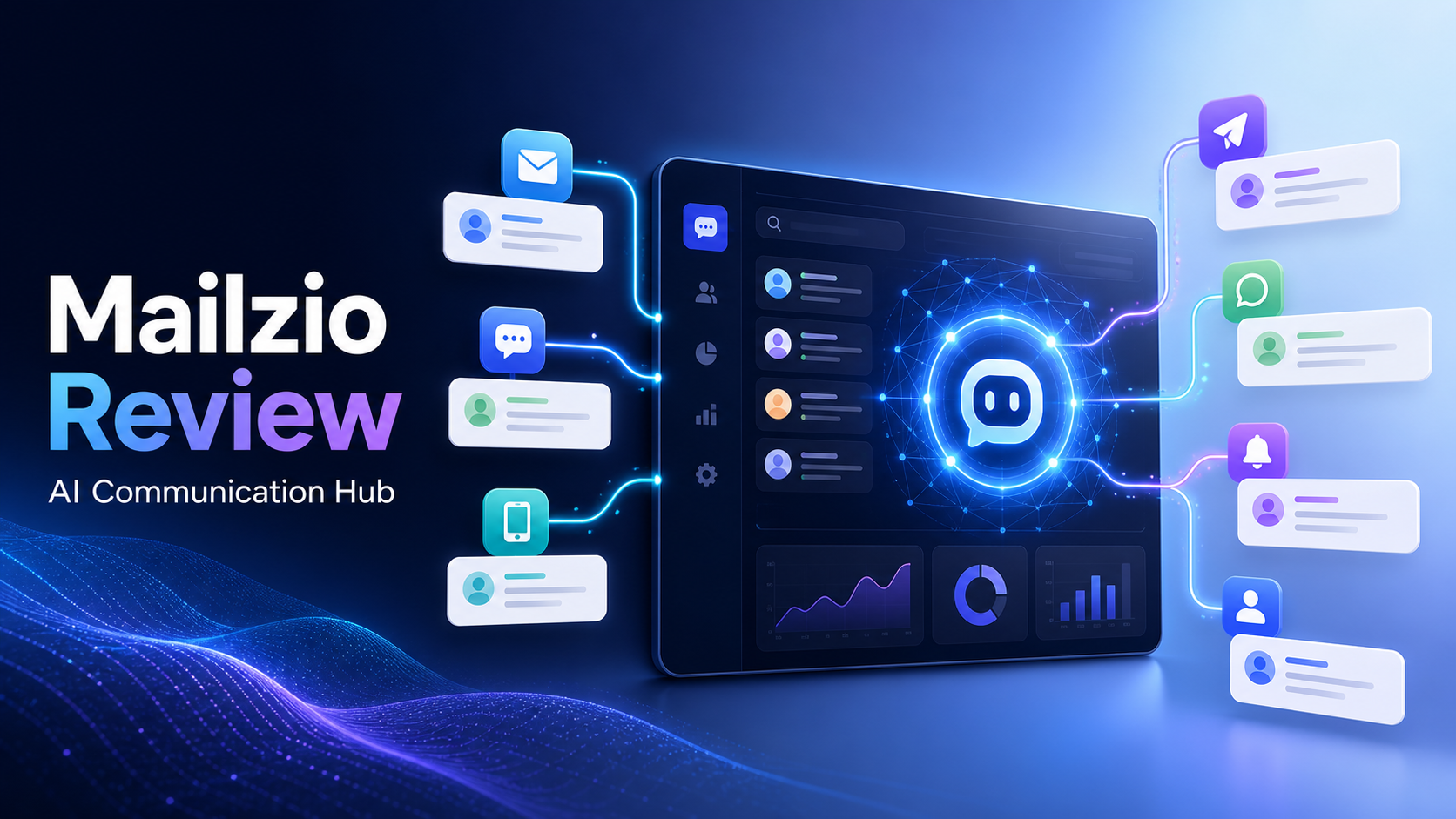
Managing customer communication becomes difficult when messages are spread across email, live chat, WhatsApp, SMS, Telegram, and internal collaboration tools. Mailzio aims to solve that problem by combining AI-assisted communication, marketing automation, customer support, and sales management in one platform. It is promoted as The World’s First AI Autoresponder That Reads, Replies, Campaigns, Sells, and supports customers across multiple channels, although that positioning is a vendor claim rather than an independently verified distinction.
For beginners and small online business owners, the important question is not whether a platform has the longest feature list. It is whether those features can reduce repetitive work, improve response consistency, and make customer conversations easier to manage. This Mailzio review examines what the platform offers, how its tools could fit into a practical workflow, and what you should verify before purchasing.
Disclosure: This article contains an affiliate link. If you purchase through it, the publisher may receive a commission at no additional cost to you.
What Is Mailzio?
Mailzio is an AI communication hub designed to centralize conversations and automate selected marketing, sales, and support tasks. Instead of using one tool for email campaigns, another for live chat, and separate systems for sales tracking, Mailzio seeks to place these activities inside a unified workspace.
The platform is advertised as providing access to four premium AI engine families: OpenAI, Anthropic, Gemini, and Mistral. It also includes a retrieval-augmented generation, or RAG, knowledge base. RAG allows an AI system to consult business-specific information before creating a response, which may help produce answers that are more relevant to a company’s products, policies, and documentation.
Other promoted capabilities include sentiment analysis, smart routing, drip campaigns, A/B testing, visual workflows, team collaboration, custom pipelines, two-factor authentication, and AES-256 encryption. Feature access may depend on the plan or current offer, so buyers should confirm the latest terms on the sales page. AI Mailer Review: Is This the World’s First AI-Powered Email Marketing Platform?
Mailzio’s Main Features
Unified Multichannel Inbox
Mailzio is designed to connect email, WhatsApp, SMS, Telegram, Slack, and live chat to one inbox with real-time synchronization. This can give a business a more complete view of its customer conversations without requiring team members to monitor several applications continuously.
A unified inbox may be particularly useful when customers change channels. For example, someone might ask a pre-sale question through live chat and later provide order details by email. Keeping those conversations accessible in one workspace can reduce duplicated questions and provide better context for the next reply.
Businesses should check the exact connection requirements for every channel. Messaging providers may charge their own fees, impose approval processes, or apply usage limits that are separate from Mailzio.
AI Replies Based on Your Business Data
Generic AI responses often sound polished but lack accurate company-specific information. Mailzio’s RAG knowledge base is intended to address this by letting the AI retrieve information from data supplied by the business.
You could add product instructions, shipping policies, refund conditions, onboarding material, service descriptions, and frequently asked questions. When a customer sends a message, the system can use that approved information to help draft or deliver an answer.
This does not eliminate the need for oversight. Knowledge-base content must be current, complete, and clearly written. Sensitive, unusual, or high-risk requests should be escalated to a person rather than left entirely to automation.
Multiple AI Engines and Smart Routing
Mailzio promotes access to OpenAI, Anthropic, Gemini, and Mistral technologies. Having multiple AI options may offer flexibility for different communication tasks, depending on how the platform implements model selection and usage.
Smart routing can direct a conversation to an appropriate AI process, workflow, department, or team member. A billing question could go to an accounts workspace, while a technical issue could be routed to support. This can reduce manual sorting when routing rules are configured carefully.
Before purchasing, review whether model access involves credits, fair-use policies, external API keys, or additional charges. The names of AI providers alone do not determine response quality; the underlying instructions and quality of your source data remain important.
Sentiment Analysis
Sentiment analysis attempts to identify whether a message appears positive, neutral, frustrated, or urgent. It can be used as one signal for prioritizing conversations.
For example, a strongly negative support message could be flagged for immediate human attention. However, automated sentiment detection can misunderstand humor, cultural differences, or ambiguous language. It should assist human judgment rather than replace it.
Drip Campaigns and A/B Testing
Mailzio includes tools for creating automated campaign sequences. A drip campaign sends messages according to a schedule or in response to customer behavior.
A small software business might create a sequence that welcomes a new trial user, shares a setup guide, introduces an important feature, and asks whether assistance is needed. An online store could use a post-purchase sequence to provide care instructions and request feedback.
A/B testing allows marketers to compare variations such as subject lines, calls to action, or message timing. It can help identify which version performs better for a particular audience, but it does not guarantee higher conversions. A meaningful test needs a clear objective, appropriate tracking, and enough relevant activity to draw a useful conclusion.
Visual Workflow Builder
The visual workflow builder is intended to automate processes through triggers, conditions, and actions. Instead of writing code, users can map what should happen when a contact performs a particular action.
A basic workflow might follow this structure:
- A prospect submits a product enquiry.
- Mailzio sends an acknowledgement.
- The contact is added to a sales pipeline.
- The enquiry is classified by topic or sentiment.
- A team member is notified when human review is required.
- A follow-up is scheduled if no response is received.
Start with straightforward workflows before building complicated branches. Excessive automation can create duplicate messages or confusing customer experiences if conditions overlap.
Sales Pipelines and Deal Tracking
Custom pipelines let businesses organize prospects according to stages such as new lead, qualified, proposal sent, negotiation, won, or closed. Linking conversations to pipeline records may help a team understand where each opportunity stands and what needs to happen next.
This feature could reduce the need for a separate customer relationship management tool in a simple operation. Businesses with complex forecasting, reporting, or integration requirements should compare Mailzio’s pipeline tools with their existing CRM before migrating.
Team Collaboration and Role-Based Workspaces
Mailzio supports team collaboration and role-based workspaces. These controls can help separate responsibilities and limit access according to a person’s role.
For instance, support agents may need customer conversations and knowledge-base access, while marketing staff need campaign tools. Administrators may require broader configuration and security permissions. Applying the principle of least privilege can reduce unnecessary access to business and customer information.
Security Features
The platform is advertised as offering two-factor authentication and AES-256 encryption. Two-factor authentication adds another login verification step, while encryption helps protect data under the conditions covered by the platform’s implementation.
Security claims should still be evaluated in context. Ask how data is encrypted in transit and at rest, where it is stored, how backups are handled, and whether data is shared with external AI providers. Businesses in regulated industries should also review retention controls, privacy terms, processing agreements, and applicable compliance requirements.
Who May Find Mailzio Useful?
Mailzio may appeal to small businesses that manage recurring enquiries across several channels. Potential users include ecommerce stores, consultants, agencies, software providers, membership businesses, course creators, and service-based companies.
It may be especially relevant if your team currently copies information between an inbox, an email marketing platform, spreadsheets, chat tools, and a basic CRM. Consolidation can simplify operations, but only when the new platform adequately replaces the tools you already depend on.
Mailzio may be less suitable for businesses that communicate through only one low-volume channel or already have deeply integrated enterprise systems. In those cases, migration time and workflow changes may outweigh the benefits of consolidation.
How to Set Up Mailzio Responsibly
1. Map Your Existing Communication Process
List every channel customers use, the types of questions you receive, and the people responsible for responding. Identify repetitive tasks and frequent delays before deciding what to automate.
2. Build a Reliable Knowledge Base
Add accurate product details, operating hours, policies, troubleshooting instructions, and escalation contacts. Remove outdated documents and avoid uploading confidential information unless you understand how it will be stored and processed.
3. Connect One Channel First
Rather than connecting everything immediately, begin with a lower-risk channel such as a general support inbox. Test synchronization, contact records, notifications, and reply formatting before expanding.
4. Create Guardrails for AI Responses
Define topics the AI can answer and situations that require human review. Refund disputes, legal questions, security incidents, medical issues, and emotionally sensitive complaints are examples that may need direct intervention.
5. Launch a Simple Workflow
Begin with one useful process, such as acknowledging new enquiries and assigning them to the correct team. Run test contacts through every path and confirm that messages are not sent more than once.
6. Review Performance Regularly
Check conversation quality, response accuracy, escalation rates, unsubscribes, campaign engagement, and workflow errors. Review a sample of AI-generated messages instead of assuming the system is always correct.
Practical Mailzio Use Case
Consider a small digital agency receiving enquiries through email, WhatsApp, and live chat. Mailzio could bring those conversations into one inbox, classify each request, and use agency documentation to draft answers to common questions.
A qualified enquiry could be added to a custom sales pipeline. A workflow could assign it to a sales representative and schedule a follow-up. Existing clients reporting a problem could be routed to support, while messages showing frustration could be prioritized for human attention.
This example illustrates a possible setup rather than a promised result. The outcome would depend on message volume, configuration quality, team adoption, source data, and the accuracy of the AI-generated responses.
Important Points to Check Before Buying
- Confirm which features are included in the specific offer and whether there are contact, message, user, or AI usage limits.
- Check whether third-party channel fees or external API costs apply.
- Review integration requirements for WhatsApp, SMS, email, Slack, Telegram, and live chat.
- Understand the refund policy, support options, update policy, and any recurring costs.
- Ask how customer data is processed by connected AI providers.
- Confirm whether exports are available if you later move to another platform.
- Compare the platform with your existing email, help desk, automation, and CRM tools.
Conclusion
Mailzio presents an ambitious approach to customer communication by combining a unified inbox, multiple AI technologies, business-specific knowledge retrieval, campaign automation, workflows, sales pipelines, and team controls.
Its broad feature set may be attractive to small businesses that want to reduce tool switching and automate repetitive communication. However, effective use will still require accurate data, thoughtful workflow design, human oversight, privacy checks, and regular testing. AI can support customer communication, but it should not be treated as an error-free replacement for business judgment.
If Mailzio matches your communication needs, review the current feature list, limits, pricing terms, and policies before deciding. You can visit the Mailzio offer page here to examine the latest details.
Frequently Asked Questions
What is Mailzio?
Mailzio is an AI-powered communication platform that combines multichannel messaging, AI-assisted replies, campaigns, workflows, team collaboration, and sales pipeline management in one hub.
Which communication channels can Mailzio connect?
Mailzio is advertised as supporting email, WhatsApp, SMS, Telegram, Slack, and live chat. Confirm current integrations, setup requirements, and possible third-party fees before purchasing.
Can Mailzio answer customers automatically?
Mailzio is designed to automate replies using AI and a RAG knowledge base trained on information supplied by the business. Automated answers should be tested and monitored, with clear escalation rules for sensitive or complex requests.
Does Mailzio replace an email marketing platform or CRM?
It may replace some functions through drip campaigns, A/B testing, workflows, and custom pipelines. Whether it can replace your existing tools depends on your integration, reporting, segmentation, and sales-management requirements.
Is Mailzio suitable for beginners?
Beginners may benefit from centralizing communication and using visual workflows, but setup still requires planning. Starting with one channel and one simple automation can make implementation more manageable.
Does Mailzio guarantee more sales?
No platform can guarantee sales, traffic, or business growth. Mailzio can provide tools for communication and automation, but results depend on your offer, audience, data quality, strategy, implementation, and customer experience.