
Disclosure: This page may contain affiliate links. I may earn a commission at no extra cost to you if you purchase through one of these links.
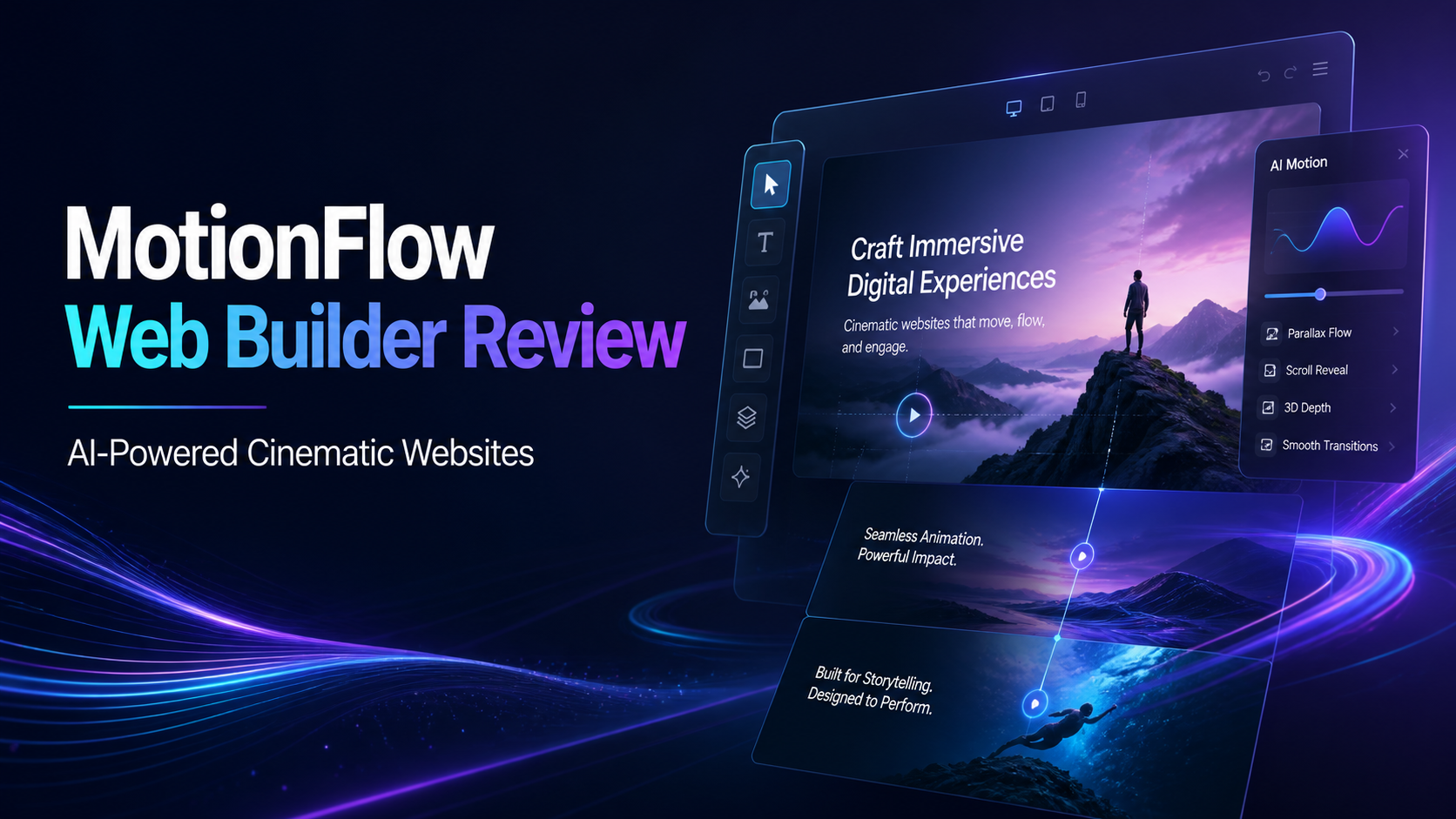
Building an immersive website normally requires a combination of design planning, animation tools, development skills and considerable time. MotionFlow Web Builder is presented as an AI Engine That Builds COMPLETE Cinematic, Immersive Websites from a single keyword or idea. Its focus is not merely on generating standard pages, but on producing visual experiences that can include scroll animations, motion effects, parallax, 3D layers and full visual storytelling.
For beginners, freelancers and small online business owners, this approach may offer a more accessible route to creating visually engaging websites. However, AI-generated design still benefits from human review, thoughtful editing and performance testing. This MotionFlow overview examines what the platform is designed to do, where it may be useful and how to approach it responsibly.
What Is MotionFlow Web Builder?
MotionFlow is an AI-assisted website creation platform centered on cinematic design. Rather than asking users to construct every page section manually, it is designed to interpret an initial keyword, topic or business idea and use that information to create a more complete visual website experience.
The platform is marketed as the world’s first AI engine of its kind. That description is a vendor positioning statement and should not be treated as an independently verified industry designation. The practical point is that MotionFlow combines AI website generation with interactive visual elements that would often require separate design or animation tools.
A typical basic website builder concentrates on layouts, text blocks, images and navigation. MotionFlow’s stated emphasis extends to movement and storytelling. Its output may incorporate effects that respond as a visitor scrolls, layered visuals that create a sense of depth and transitions that connect one section to the next.
What Makes a Website Cinematic?
A cinematic website does not need to look like a movie trailer. In practical terms, cinematic design uses pacing, movement, composition and transitions to guide visitors through a story. Instead of presenting every piece of information at once, the page reveals content in a deliberate sequence.
Scroll Animations
Scroll animations activate or transform elements as the visitor moves down a page. Headlines might fade into view, images may shift position or sections may transition smoothly. Used carefully, these effects can direct attention and create a sense of progress.
Motion Effects
Motion effects can include animated backgrounds, moving text, transitions and interactive elements. Their purpose should be to support the message rather than distract from it. A small number of purposeful effects will often produce a clearer result than continuous movement across every section.
Parallax and 3D Layers
Parallax creates depth by allowing background and foreground elements to move at different speeds. Layered visual elements can provide a similar three-dimensional impression. These techniques are commonly used for product presentations, portfolios, event pages and brand stories.
Visual Storytelling
Visual storytelling connects the design to a logical narrative. A page might begin with a problem, introduce a solution, demonstrate key benefits and finish with a clear next step. Animation can help mark each stage, but the underlying message must remain understandable without relying entirely on effects.
How MotionFlow May Simplify Website Creation
Traditional animated website production can involve wireframing, copywriting, graphic design, front-end development and testing. MotionFlow aims to reduce the initial workload by generating a complete concept from a short prompt.
For example, a user might enter an idea such as premium sustainable coffee brand. The AI could use that direction to establish a visual theme, page structure and storytelling sequence. The user would then review the generated result, replace generic material with accurate brand content and adjust the presentation.
This prompt-based workflow may be especially helpful for people who struggle with blank-page syndrome. Instead of beginning with an empty canvas, they can begin with an AI-generated draft. The draft should be treated as a starting point, not an automatically finished business asset.
Who Could Use MotionFlow?
MotionFlow may be worth exploring when a project benefits from a strong visual presentation and the user does not want to create every effect manually.
- Small business owners: A local service provider or online brand could use cinematic sections to explain its process, values or offer.
- Affiliate marketers: A marketer could build focused promotional pages, product showcases or campaign microsites while keeping disclosures and claims clear.
- Freelancers and agencies: AI-generated concepts may help accelerate early mockups or provide a foundation for client customization.
- Creators and consultants: A visually structured page can present a portfolio, signature framework, course or professional service.
- Product-based businesses: Motion and layered visuals may help demonstrate product details, use cases or brand positioning.
It may be less suitable for projects that require highly specialized back-end functionality, strict enterprise integrations or an intentionally minimal text-first experience. Prospective users should confirm that the platform supports their required publishing, integration and customization options before purchasing.
Practical Steps for Creating a MotionFlow Website
1. Define One Clear Objective
Decide what the website should help visitors do. The objective might be requesting a quote, viewing a portfolio, joining an email list or learning about a product. One primary objective makes it easier to evaluate the AI-generated structure.
2. Prepare a Specific Starting Idea
Although MotionFlow is designed to work from a keyword or idea, a precise concept should provide better direction than a broad term. Instead of entering fitness, consider a phrase such as supportive online mobility coaching for busy professionals.
3. Generate the Initial Website
Submit the idea and allow the AI to establish the visual direction and page flow. At this stage, concentrate on the overall structure. Check whether the opening section communicates the offer and whether each subsequent section leads naturally to the next.
4. Replace Generic Content
Edit generated text so that it accurately represents the business. Add verified product details, original images, correct contact information, terms, privacy information and appropriate disclosures. Avoid publishing unsupported superlatives or claims simply because AI included them.
5. Refine the Motion
Review every animation for a clear purpose. If an effect makes text harder to read or delays access to important information, simplify or remove it. The goal is an engaging experience, not the maximum possible number of effects.
6. Check Mobile Usability
Test the website on different screen sizes. Confirm that buttons remain easy to tap, headings do not overlap, text stays readable and layered effects work appropriately. Mobile visitors may experience animation differently from desktop users.
7. Review Accessibility and Performance
Use descriptive text for meaningful images where supported, maintain sufficient color contrast and avoid rapid or excessive movement. Visitors who prefer reduced motion should still be able to understand and navigate the page. Large visual assets and complex animations can also affect loading speed, so optimization matters.
8. Publish, Observe and Improve
After publishing, review how the site works in real conditions. Look for confusing sections, technical problems and points where visitors may lose context. Make measured improvements rather than assuming the first AI-generated version is final.
Example MotionFlow Website Concepts
A travel consultant could begin with the idea immersive custom adventure planning for Iceland. The page might open with a dramatic landscape, reveal itinerary stages during scrolling and use layered imagery to establish depth. The final section could invite visitors to request a planning consultation.
A software startup might use simple inventory management for independent retailers. Motion effects could illustrate the progression from disorganized stock records to a clearer workflow. In this case, the animation should support the explanation instead of making the software appear more complicated.
A personal brand could enter strategic leadership consultant for growing creative teams. The generated site might combine a concise introduction, an animated framework, service descriptions, selected proof elements and a consultation call to action.
These examples illustrate possible creative directions rather than guaranteed outputs. The actual result will depend on the prompt, available platform features and the user’s revisions.
Advantages and Considerations
Potential Advantages
- Provides a starting point from a single keyword or idea.
- Combines website generation with cinematic visual design.
- May reduce the need to assemble several separate animation tools.
- Can help non-designers explore more advanced presentation styles.
- Supports story-driven landing pages, portfolios and brand experiences.
Important Considerations
- AI-generated copy and layouts still require review and customization.
- Too much animation can reduce clarity, accessibility and usability.
- Visual complexity may affect page performance on some devices.
- Users should verify required integrations, export options and commercial-use terms.
- A polished design does not automatically produce traffic, rankings, leads or sales.
MotionFlow should therefore be evaluated as a production and creative tool, not as a guarantee of business results. Outcomes depend on factors such as the strength of the offer, audience fit, messaging, promotion and the overall visitor experience.
Tips for Better Results
Start with clear positioning before experimenting with visual effects. A visitor should quickly understand who the website is for, what it offers and what action to take next.
Keep important copy concise. Animated pages are often easier to follow when each section communicates one central idea. Use descriptive headings, short paragraphs and visible calls to action.
Maintain visual consistency across colors, typography, image style and movement. If every section uses a different animation or mood, the site can feel disconnected. Repetition of selected design patterns creates a more professional experience.
Finally, preserve a fallback path for visitors who are not drawn to animation. Clear menus, readable content and standard buttons remain essential. Cinematic presentation should enhance the website’s function rather than replace it.
Is MotionFlow Web Builder Worth Exploring?
MotionFlow may appeal to users who want to create an interactive, story-led website without manually building every animation and layered effect. Its single-idea workflow could make the early design process more approachable, particularly for beginners and small teams.
The strongest use case is likely a visually driven landing page, campaign site, portfolio, product presentation or brand story. Users seeking a simple blog or highly specialized application should compare the platform’s capabilities with their specific technical requirements.
If the concept fits your project, you can visit the official MotionFlow presentation and review the current offer here. Check the latest feature list, pricing, usage terms and any refund conditions before making a decision. This is an affiliate link, which means the publisher may receive a commission if you purchase through it, at no additional cost to you.
Conclusion
MotionFlow Web Builder approaches AI website creation through cinematic design rather than basic page assembly alone. Its stated ability to generate scroll animations, motion effects, parallax, 3D layers and visual storytelling from a keyword or idea could provide a useful creative foundation.
Its value ultimately depends on how thoughtfully the generated site is edited and tested. Clear messaging, accessibility, mobile usability and honest content remain just as important as impressive visuals. For the right project, MotionFlow may offer a practical way to explore immersive web design while reducing some of the manual setup involved.
Frequently Asked Questions
What is MotionFlow Web Builder?
MotionFlow is an AI-assisted website builder designed to generate cinematic, immersive websites from a keyword or idea. Its visual focus includes scroll animations, motion effects, parallax, layered elements and story-led page structures.
Do I need coding or animation experience?
The prompt-based approach is intended to make website creation more accessible to non-technical users. However, users should still be prepared to edit content, review layouts and test the finished website.
Can MotionFlow build a complete website from one keyword?
MotionFlow is promoted as being able to create a complete initial website from a keyword or idea. The generated result should still be checked and customized with accurate business information, original branding and appropriate legal pages.
Are cinematic websites suitable for mobile devices?
They can be, provided the layout and effects are responsive and carefully tested. Mobile performance, readable text, tap-friendly controls and reduced-motion accessibility should be reviewed before publication.
Will MotionFlow guarantee traffic or sales?
No website builder can guarantee traffic, search rankings, leads or income. MotionFlow may assist with website production and presentation, but results depend on the offer, content quality, audience, promotion and many other factors.