
Disclosure: This page may contain affiliate links. I may earn a commission at no extra cost to you if you purchase through one of these links.
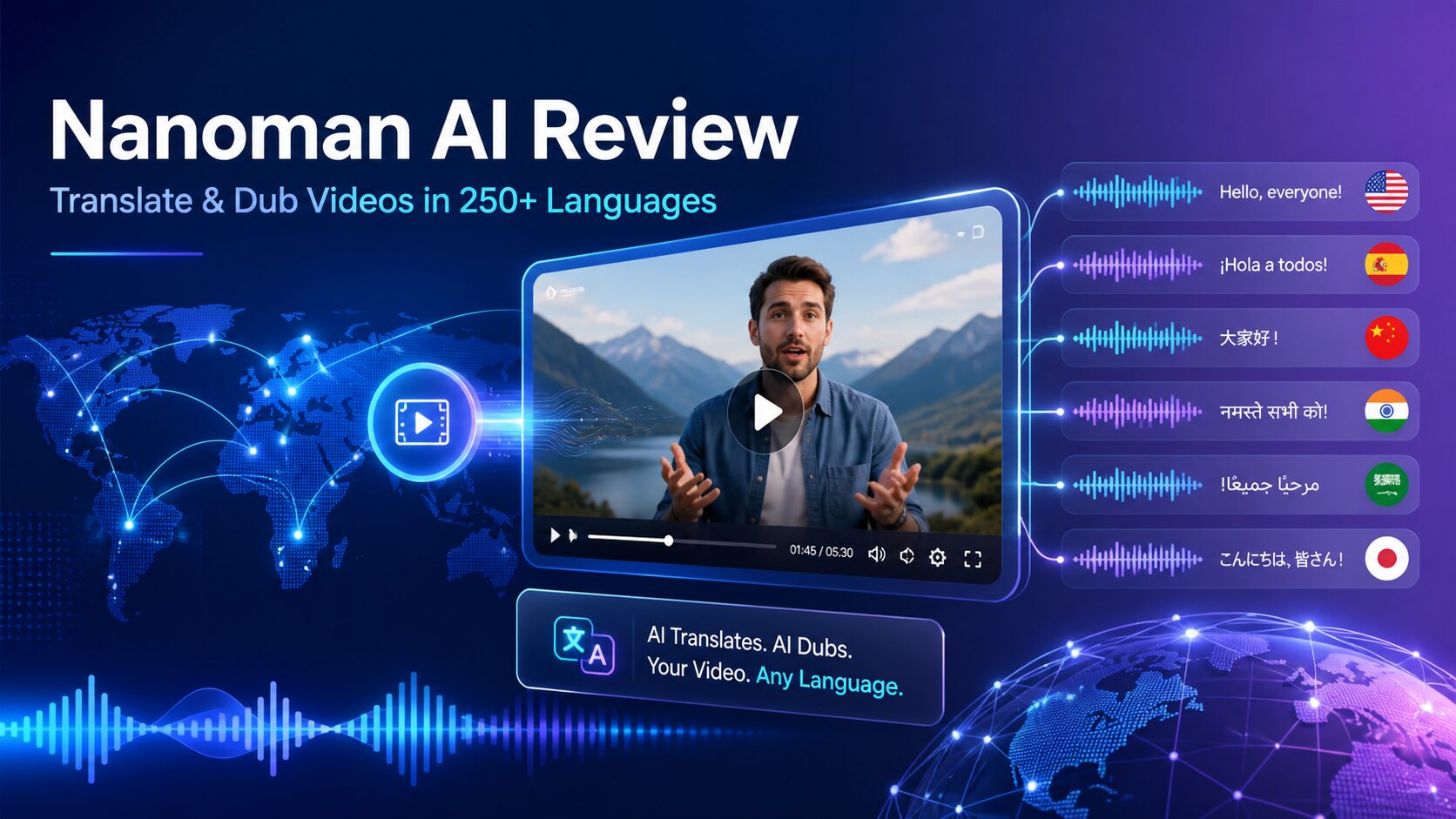
Reaching viewers in different countries usually requires translation, voice recording, editing, and coordination across several tools. Nanoman AI aims to simplify that process by providing an AI Video Engine That Instantly Translates & Dubs ANY Video URL Into 250+ Languages. It is marketed to creators and businesses that want to localize video content without building a complicated production workflow.
Nanoman AI is also presented as the world’s first and only platform of its kind. That is a vendor marketing claim rather than an independently verified distinction, so prospective buyers should focus on the practical features and whether they fit a genuine business need.
This review explains what Nanoman AI offers, who may benefit from it, how to approach AI-assisted dubbing responsibly, and what to verify before purchasing. This article contains an affiliate link, which means I may receive a commission if you buy through it, at no additional cost to you. ViraBuild AI Review: A Practical Guide to Creating Construction Time-Lapse Videos
What Is Nanoman AI?
Nanoman AI is a video localization platform designed to translate and dub videos into other languages. Instead of manually downloading a video, preparing a transcript, hiring translators, recording new narration, and synchronizing the final audio, users can manage more of the process from one dashboard.
According to its promotional description, the platform can work with a video URL and supports more than 250 languages. It also brings together premium AI voice options associated with providers such as OpenAI, ElevenLabs, Google, Amazon, and Microsoft.
The main appeal is convenience. A centralized system may reduce the number of separate subscriptions, dashboards, and file transfers involved in multilingual video production. However, processing speed, language availability, voice selection, URL compatibility, and output quality may vary. Check the current sales page and terms for exact details.
How Nanoman AI Is Designed to Work
The basic concept is straightforward: provide a video source, choose a target language and voice, let the AI process the content, and review the localized result. The precise controls may differ depending on the current product version, but the intended workflow centers on simplifying translation and dubbing.
Step 1: Choose a Video You Have Permission to Use
Start with a video you own or are authorized to translate. A public URL does not automatically give you permission to copy, alter, dub, or redistribute the underlying content. This is especially important for videos containing copyrighted footage, music, presentations, or third-party speakers.
For a first project, use a short video with clear speech and limited background noise. A simple source makes it easier to evaluate translation accuracy, pronunciation, pacing, and voice quality.
Step 2: Enter the Video URL
Submit the relevant video URL through the Nanoman AI dashboard. Although the product is promoted as working with any video URL, it is sensible to confirm which websites, formats, video lengths, and access settings are currently supported.
Password-protected pages, private videos, livestreams, region-restricted media, and URLs with unusual technical configurations may require different handling. Testing a representative URL before committing to a large project can prevent unnecessary delays.
Step 3: Select the Target Language
Choose the language needed for your intended audience. Support for 250+ languages may be valuable for broad international campaigns, but quantity is not the only consideration. Dialect, regional vocabulary, formality, and cultural context can affect whether a translation sounds natural.
For example, a software tutorial translated for Spanish-speaking viewers may need different terminology depending on the target market. Define the audience by country or region rather than selecting a language solely by name.
Step 4: Choose an AI Voice
Nanoman AI promotes access to premium voices from OpenAI, ElevenLabs, Google, Amazon, Microsoft, and other providers in one dashboard. This could make it easier to compare voices without moving the project between several services.
Choose a voice based on clarity and suitability rather than novelty. A calm, measured voice may work well for training material, while a more energetic option may suit a product overview. Listen for pronunciation, pacing, tone, and consistency before approving the final version.
Step 5: Review the Translation and Dub
AI-generated output should be treated as a draft requiring review. Check brand names, product terminology, numbers, dates, calls to action, and any legal or safety-related statements. If the content is business-critical, consider asking a fluent speaker or professional translator to review it.
Also check whether the voice fits the timing and visual context of the original video. A technically accurate translation can still feel unnatural if sentences are rushed, pauses are misplaced, or the tone does not match the scene.
Step 6: Publish a Controlled Test
Rather than translating an entire video library immediately, publish one or two localized videos first. Gather feedback from relevant viewers and note recurring pronunciation or terminology issues. This creates a repeatable quality-control process before production expands.
Who Could Use Nanoman AI?
Online Course Creators
Course creators can explore localized versions of lessons, tutorials, and onboarding videos. This may make existing educational material more accessible to learners who prefer another language. Technical lessons still require careful review because one incorrect term can change an instruction’s meaning.
Affiliate Marketers
Affiliate marketers may use translated videos for product explanations, tutorials, or campaign assets when their agreements permit localization. Each version should preserve required disclosures and avoid adding claims that are not supported by the original content or product documentation.
Small Online Businesses
A small business could localize product demonstrations, customer onboarding material, frequently asked questions, or internal training videos. Repurposing an existing video may be more manageable than filming a separate version for every market.
Agencies and Freelancers
Agencies and freelancers could potentially offer video localization as part of a broader content service. Before delivering client work, they should confirm commercial-use rights, output limits, voice-provider terms, and any restrictions applying to generated audio.
Content Creators
Creators with an established audience in multiple regions may use dubbing to make selected videos easier to understand. Translation alone does not guarantee additional views or engagement, but it can remove a language barrier for people who are already interested in the topic.
Practical Nanoman AI Use Cases
Consider a small software company with a five-minute English onboarding video. The company could create localized versions for selected customer groups, then ask native speakers to verify interface terms and instructions before publishing them in its help center.
An online educator could test a translated version of one evergreen lesson. Rather than localizing the complete course immediately, the educator could assess learner feedback, voice clarity, and terminology consistency before deciding whether to continue.
An ecommerce business might dub a product demonstration for several markets. The reviewer would need to check measurements, warranty language, shipping references, safety instructions, and region-specific offers. These details should never be assumed to translate correctly without human review.
A marketing agency could use the platform to prepare draft versions of an approved client video. The agency could then apply its own proofreading and quality-control process before sending anything to the client or publishing it publicly.
Potential Benefits of Nanoman AI
- Centralized workflow: Translation, dubbing, and access to multiple voice providers are presented within one dashboard.
- Broad language coverage: Support for more than 250 languages could help users evaluate a wide range of target markets.
- Reuse of existing content: Businesses may be able to localize useful videos instead of recording every version from the beginning.
- Voice choice: Access to voices from several recognized AI providers may offer more flexibility in tone and presentation.
- Lower operational complexity: A URL-based process may reduce manual file handling and the need to coordinate multiple standalone tools.
These are potential workflow benefits, not guaranteed business outcomes. Results depend on source-video quality, translation accuracy, audience fit, review standards, and how the localized content is distributed.
Limitations and Important Considerations
AI Translation Is Not Infallible
AI may misunderstand idioms, abbreviations, names, specialized vocabulary, or words obscured by music and background noise. Medical, financial, legal, and safety-related material deserves qualified human review.
Language Support Does Not Ensure Equal Quality
Voice and translation quality can differ among languages, dialects, and providers. Test the exact language combination you intend to use rather than assuming that every supported option performs identically.
Rights and Consent Still Matter
Use only content you own or have permission to modify. Obtain appropriate consent before recreating or imitating a person’s voice, and review the applicable rules for synthetic media in your location and target market.
Processing May Not Be Literally Instant
The word “instantly” communicates automation and convenience, but real processing time may depend on video length, demand, source quality, and platform limits. Review current product information if turnaround time is critical.
Human Quality Control Remains Necessary
Localization includes more than replacing words. Cultural references, humor, tone, captions, graphics, and on-screen text may also need adjustment. Nanoman AI can support the workflow, but responsible publishing still requires judgment.
What to Check Before Buying
- Which video websites and URL types are supported?
- Are there limits on video length, exports, languages, or monthly usage?
- Which voices and providers are available for your required language?
- Can translations or pronunciations be edited before export?
- What commercial-use rights apply to generated videos and voices?
- Are updates, support, or additional usage credits included?
- What is the current refund policy?
- How does the platform handle uploaded content and business data?
Product features, pricing, bonuses, and policies can change. Read the current offer carefully and keep a copy of the terms that apply when you purchase.
Conclusion: Is Nanoman AI Worth Considering?
Nanoman AI may be worth evaluating if video translation is already part of your content plan and you want a more centralized workflow. Its promoted combination of URL-based processing, 250+ languages, and voices from multiple AI providers addresses a real challenge for creators and small businesses producing multilingual content.
It is not a substitute for permission, proofreading, cultural review, or a sound marketing strategy. The safest approach is to begin with one short, non-critical video, evaluate the output in your target language, and expand only if the quality and terms meet your needs.
If that workflow matches your goals, you can view the current Nanoman AI offer and product details here. Review the latest pricing, usage limits, supported sources, licensing terms, and refund policy before making a decision.
Frequently Asked Questions
What is Nanoman AI?
Nanoman AI is an AI-assisted platform marketed for translating and dubbing videos from a URL into more than 250 languages. It also promotes access to voices from multiple major AI voice providers through one dashboard.
Can Nanoman AI translate any video URL?
The vendor describes the platform as supporting any video URL, but users should verify the currently compatible websites, formats, access settings, and video-length limits. You must also own the video or have permission to translate and republish it.
Does Nanoman AI produce perfect translations?
No AI translation tool should be assumed to produce perfect results. Names, technical terms, idioms, numbers, and culturally specific language should be reviewed, ideally by a fluent speaker.
Which AI voice providers are available?
Nanoman AI is promoted as offering premium voices from OpenAI, ElevenLabs, Google, Amazon, Microsoft, and additional providers. Exact voice availability may vary by language, plan, and product version.
Is Nanoman AI suitable for commercial projects?
It may be useful for business and client projects, but users should verify the platform’s commercial license, voice-provider terms, content ownership requirements, and any usage restrictions before publishing or selling work.
Will translated videos guarantee more traffic or sales?
No. Translation can make content accessible to more viewers, but it does not guarantee traffic, rankings, engagement, leads, or sales. Outcomes depend on content quality, audience demand, distribution, competition, and other factors.