
Disclosure: This page may contain affiliate links. I may earn a commission at no extra cost to you if you purchase through one of these links.
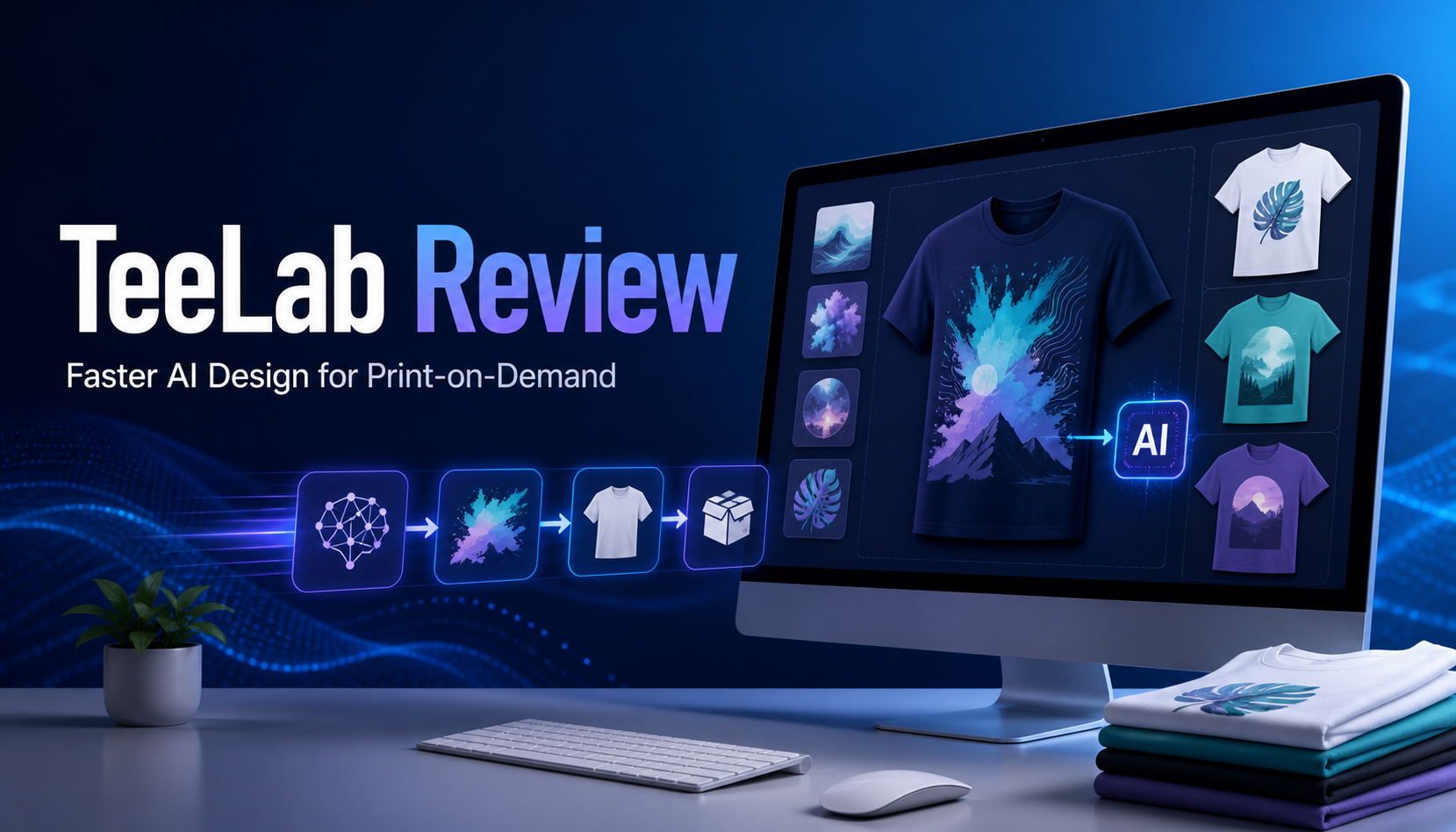
TeeLab is an AI design engine built for print-on-demand sellers who need speed without sacrificing quality. Rather than producing only a flat AI image, it creates layered designs that can be adjusted before they become products. Sellers can change fonts, colors, and styles, create custom AI mockups, and export print-ready vectors from one workflow.
That combination could be useful if you have plenty of product ideas but find that designing, editing, and preparing files takes too long. This guide explains how TeeLab works, where it may fit into a print-on-demand business, and what to check before using its output commercially.
What Is TeeLab?
TeeLab is a design engine aimed at print-on-demand sellers. Its purpose is to shorten the path between an initial idea and a design that is ready to upload to a printing platform.
Most general AI image generators produce flattened images. If the wording, font, layout, or color is wrong, making a small correction can become difficult. You may have to regenerate the image or rebuild it manually in separate design software.
TeeLab takes a more editable approach. Its designs are fully layered, allowing individual elements to be changed without starting over. You can experiment with fonts, colors, and visual styles, then prepare multiple related designs for a collection.
The platform also supports custom AI mockups and print-ready vector exports. These features bring design creation, product presentation, and file preparation into a more connected process. CastleFlix AI Review: Build a Netflix-Like OTT Platform Without Coding
Why Editable AI Designs Matter
AI can generate ideas quickly, but the first result is rarely the final result. A phrase may need a clearer font. A graphic may need more contrast. A color palette that looks good on a white background may disappear on a dark shirt.
Layered files give you more control over these details. Instead of accepting or rejecting an entire generated image, you can refine its individual parts.
For example, imagine you are creating a gardening-themed shirt with a phrase, decorative leaves, and a small illustrated flowerpot. If the phrase is hard to read, you can change the font without replacing the illustration. If the green leaves blend into the shirt color, you can adjust them separately.
This approach is especially helpful when you want to build variations. One core layout could potentially be adapted for different phrases, color combinations, products, or customer groups while maintaining a consistent visual identity.
Key TeeLab Features
Fully Layered Designs
TeeLab generates designs with editable layers rather than limiting you to a single flat image. This makes it easier to refine the output and correct details before exporting.
Layered editing can also reduce repetitive work. You can explore alternatives within the same design instead of recreating the complete composition every time you want to test a different look.
One-Click Style Adjustments
The ability to change fonts, colors, and styles with one click is designed to make experimentation faster. Beginners can compare options without having to master every tool in a traditional graphics program first.
Quick adjustments are not a replacement for good judgment, however. Check that each variation remains readable, balanced, and suitable for the product on which it will be printed.
Collection Creation
TeeLab can help turn a concept into a coordinated collection. Instead of treating every design as a separate project, you can develop several products around a common theme or style.
A pet-themed concept, for example, could lead to related designs for dog walkers, rescue supporters, cat owners, or specific pet personalities. Consistent typography and colors can connect the collection while different wording gives each listing a distinct angle.
Custom AI Mockups
Mockups show shoppers how a design may look on a finished product. TeeLab includes custom AI mockup creation, which can help sellers prepare product presentation images alongside their artwork.
Always review AI-generated mockups carefully. Look for distorted garments, inaccurate print placement, unclear hands, unusual shadows, or other visual errors. A mockup should represent the product honestly rather than suggest details that the customer will not receive.
Print-Ready Vector Exports
Vector graphics are useful because they can be resized without the same loss of sharpness associated with low-resolution raster images. TeeLab can export print-ready vectors, helping sellers move from design to production.
Before uploading, compare every export with the requirements of your chosen print-on-demand provider. File format, dimensions, color settings, transparent backgrounds, and print-area limits can vary by platform and product.
How to Use TeeLab for a Print-on-Demand Project
Step 1: Start With a Specific Customer
A clear audience is usually more useful than a broad topic. Instead of starting with “fitness,” you might focus on early-morning runners, beginner weightlifters, or yoga teachers who prefer understated designs.
Write down who the design is for, what message it communicates, and what product would suit it. This gives the AI a more useful creative direction.
Step 2: Define the Design Concept
Prepare a simple description covering the wording, visual elements, mood, and color direction. For example: “A clean retro-style camping design featuring a small mountain scene, warm earth tones, and bold readable lettering.”
A focused brief makes it easier to judge whether the generated result matches your idea. Avoid asking for too many unrelated elements in one composition.
Step 3: Generate and Explore Variations
Create an initial design, then use TeeLab’s editing options to explore different fonts, colors, and styles. Compare variations rather than selecting the first acceptable result.
Keep the intended product in mind. Fine lines and tiny text may look attractive on a screen but become difficult to print or read on a shirt. Designs for mugs, posters, and tote bags may each need different proportions.
Step 4: Refine the Layers
Review the hierarchy of the design. The main message should be easy to identify, while decorative elements should support it rather than compete with it.
Check spelling, punctuation, spacing, alignment, and contrast. AI-assisted tools can speed up creation, but the seller remains responsible for catching errors and deciding whether the output is suitable.
Step 5: Build a Small Collection
Once you have a strong visual direction, create a few connected variations. You might change the phrase, illustration, or color palette while keeping the overall style consistent.
A focused collection can make your store look more intentional. It also gives you several ways to serve the same audience without uploading a large number of disconnected designs.
Step 6: Create and Inspect Mockups
Generate mockups that fit the intended customer and product. Use images that keep the design visible and avoid scenes that distract from the item.
Inspect every mockup at full size. Confirm that the displayed print resembles the file you plan to sell and that the image does not misrepresent garment shape, material, color, or placement.
Step 7: Export and Perform a Final Check
Export the print-ready vector, then check it against your fulfillment provider’s specifications. If possible, view the file at the expected print size rather than relying only on a small preview.
Consider ordering a sample before promoting a new design heavily. A sample can help you assess print clarity, color appearance, scale, and placement on the physical product.
Practical TeeLab Use Cases
Creating Seasonal Collections
TeeLab may help sellers produce coordinated designs for holidays, seasons, school events, or annual activities. Layered editing makes it easier to adapt a shared visual style while changing phrases or illustrations.
Plan seasonal products early enough to allow time for review, sampling, listing preparation, and fulfillment. Speed is useful, but rushed publishing can lead to avoidable mistakes.
Testing Different Visual Directions
If you are unsure whether a concept should look minimalist, vintage, playful, or bold, quick style changes let you compare several directions. This can help you choose a look that fits your brand and intended customer.
Refreshing Existing Ideas
You can use an editable workflow to revisit your own original concepts. A design with weak typography might be improved through a clearer font and better spacing. A successful theme might inspire a related collection for another product type.
Do not copy competitors or use protected artwork as a shortcut. Originality and legal review remain important even when AI assists with the design process.
What to Check Before Publishing TeeLab Designs
Commercial Usage Terms
Review TeeLab’s current licensing and commercial-use terms before selling generated work. Also check the policies of your marketplace, fulfillment provider, and any other tools involved in your workflow.
Trademarks and Copyright
Search proposed phrases before using them on products. A common-sounding expression can still be protected for certain goods or services. Avoid celebrity names, brand references, copyrighted characters, logos, song lyrics, and artwork you do not have permission to use.
AI-generated output should also be inspected for elements that look too similar to recognizable brands or existing properties. When in doubt, seek qualified legal guidance.
Print Quality
A technically valid export is not automatically an effective print design. Check line thickness, contrast, small details, and color choices. Review the result on light and dark product backgrounds if you intend to offer both.
Listing Accuracy
Your title, description, and mockups should accurately communicate what the customer will receive. Do not imply that a product includes special textures, embroidery, metallic ink, or other finishes unless your fulfillment method actually provides them.
Who May Find TeeLab Useful?
TeeLab may suit beginners who want an easier path to editable print-on-demand designs, as well as established sellers trying to reduce repetitive design work. It may be particularly relevant for anyone who currently jumps between an AI generator, design editor, mockup tool, and vector-preparation workflow.
It will not remove the need for product research, creative judgment, legal checks, quality control, or customer service. It also cannot guarantee that a listing will generate visits or sales. Its primary value is workflow efficiency and editability, not automatic business results.
Conclusion
TeeLab approaches AI design from a practical print-on-demand perspective. Its main distinction is that it produces layered, editable designs instead of leaving sellers with only flat images. One-click font, color, and style changes make it easier to explore alternatives, while custom AI mockups and print-ready vector exports can shorten the path to a finished listing.
For beginners and small business owners, the most sensible approach is to start with one focused concept. Generate a few variations, refine the layers carefully, inspect the mockups, verify usage rights, and test the final export with your print provider. TeeLab can make design exploration faster, but thoughtful review is what turns a quick concept into a credible product listing.
Frequently Asked Questions
What is TeeLab?
TeeLab is an AI design engine for print-on-demand sellers. It generates layered designs that can be edited, used in custom AI mockups, and exported as print-ready vectors.
Are TeeLab designs editable?
Yes. TeeLab’s key feature is its layered output. Users can adjust elements such as fonts, colors, and styles instead of working only with a flattened AI image.
Can TeeLab create product mockups?
TeeLab supports custom AI mockups. Sellers should inspect each image for visual errors and confirm that it represents the final product accurately.
Does TeeLab guarantee sales?
No. A faster design workflow does not guarantee traffic, rankings, income, or sales. Product selection, originality, pricing, listing quality, marketing, fulfillment, and customer demand all affect results.
Should I check TeeLab designs for trademarks?
Yes. Check phrases, graphics, and concepts before publishing. Avoid protected brands, characters, artwork, names, and other intellectual property unless you have appropriate permission.
Are TeeLab exports ready for every print-on-demand platform?
TeeLab provides print-ready vector exports, but requirements can differ between providers and products. Confirm the accepted file type, dimensions, color settings, background, and print area before uploading.