
Disclosure: This page may contain affiliate links. I may earn a commission at no extra cost to you if you purchase through one of these links.
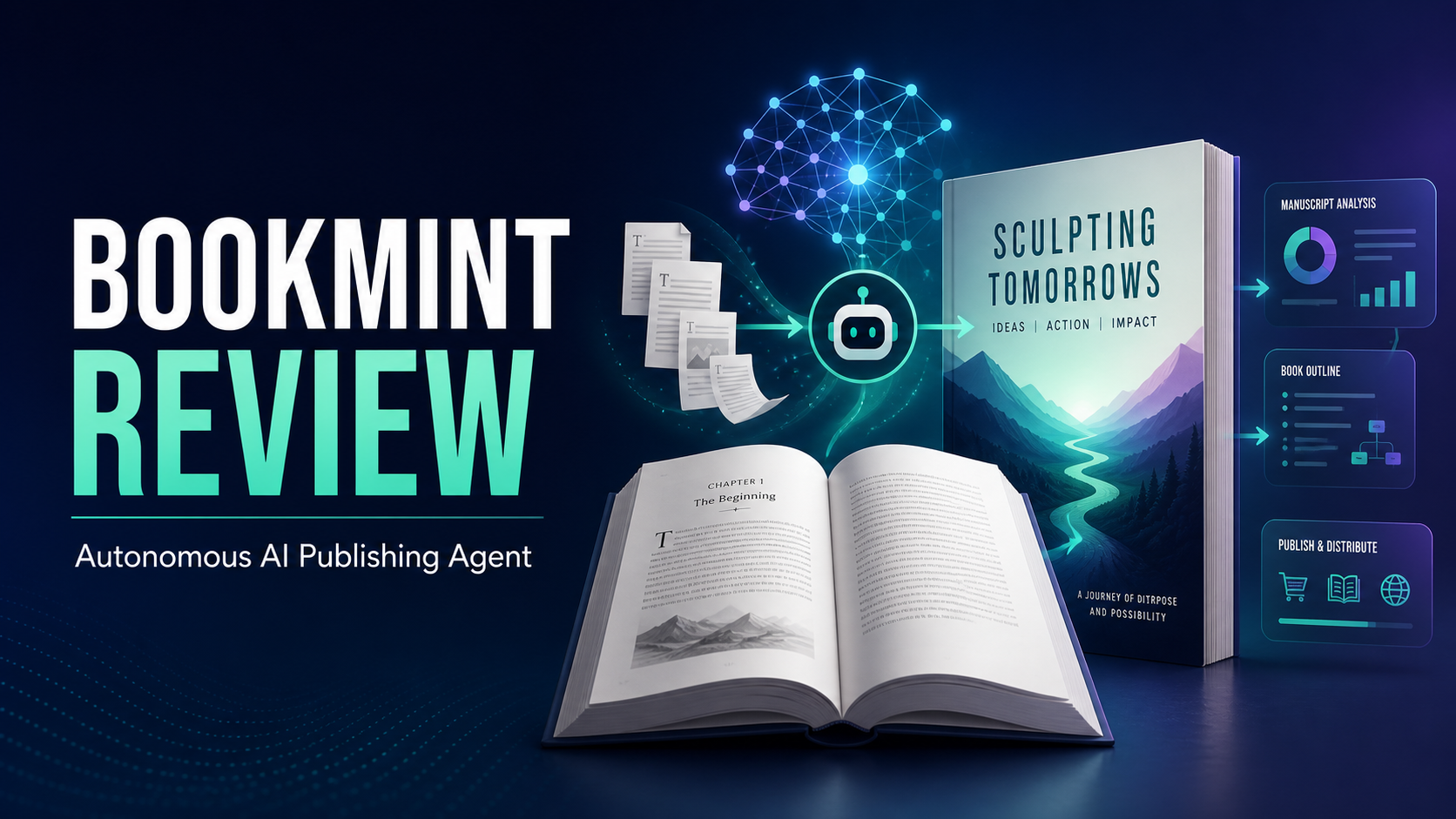
Creating a book for Amazon usually involves several separate tasks. You need to research a topic, plan the content, write and edit the manuscript, format the interior, prepare the listing, and upload the finished files. BookMint is presented as an AI agent designed to bring more of that workflow into one place for Kindle and print-on-demand publishers.
Its central promise is ambitious: World’s First Fully Autonomous Amazon Publishing AI Agent That Researches, Writes, Formats & Auto Publishes Complete Kindle Books. The promotional description also covers print-on-demand projects such as fiction, nonfiction, self-help books, storybooks, business books, children’s books, how-to guides, novels, poetry, and coloring books.
That does not mean every generated book will automatically be accurate, original, commercially viable, or ready for readers. AI can accelerate production, but responsible publishers should still review the content, verify facts, check usage rights, and follow Amazon’s current publishing rules.
Affiliate disclosure: This article contains an affiliate link. If you purchase through it, the publisher of this article may receive a commission at no additional cost to you.
What Is BookMint?
BookMint is marketed as an autonomous BookAI agent for creating and publishing Amazon Kindle and print-on-demand books. Rather than using one tool for research, another for drafting, and another for formatting, its proposed workflow combines these stages within a single system.
The platform is intended to guide a project from an initial idea toward a completed book. Depending on the features available in your chosen plan, that process may include topic research, outlining, chapter generation, formatting, listing preparation, and publishing assistance.
The sales message says books can be offered to Amazon’s audience, which it describes as 310 million customers. Treat that number as a promotional claim rather than a prediction of exposure. Publishing on Amazon does not guarantee that a book will be displayed to a particular number of people, receive traffic, rank well, or generate sales.
How the BookMint Workflow Is Designed to Work
1. Select a Book Type and Topic
You begin with a category, audience, and general idea. For example, a small business owner might plan a short guide for first-time freelancers. A fiction publisher might start with a cozy mystery concept, while a parent or educator could explore a children’s storybook.
A focused brief is more useful than a broad instruction. Instead of entering “write a business book,” define the intended reader, problem, tone, length, and outcome. A stronger brief might request a beginner-friendly guide that helps local service providers create a simple customer follow-up process.
2. Research and Plan the Content
BookMint is promoted as being able to research a subject and organize the findings into a book structure. This may save time during early planning, especially when you are comparing possible chapters or looking for gaps in an outline.
AI research should not be accepted without review. Check names, dates, technical instructions, health-related statements, legal information, financial topics, and other factual claims against reliable sources. If a topic requires professional expertise, an automated draft should not be presented as professional advice.
3. Generate the Manuscript
Once an outline is selected, the AI can develop chapters around it. This is where clear instructions matter. You may need to specify reading level, point of view, tone, chapter length, examples, and topics that should be excluded.
Generating text is not the same as producing a polished book. Look for repetition, abrupt transitions, vague advice, unsupported statements, and inconsistent terminology. Fiction also needs checks for character continuity, pacing, plot logic, and changes in setting or point of view.
4. Format the Book
BookMint is also positioned as a formatting solution for Kindle and print-on-demand projects. Formatting may cover chapter headings, page structure, front matter, and the organization of the manuscript into a publishable file.
Always preview the final output. Kindle layouts need to work across different screen sizes, while print editions require careful attention to trim size, margins, page breaks, image resolution, and bleed settings. Coloring books and illustrated children’s books need particularly close visual inspection.
5. Prepare and Publish the Listing
The platform’s main differentiator is its advertised auto-publishing capability. Before allowing any tool to connect to a publishing account, review what permissions it requests, how account information is handled, and whether you retain final approval over the listing.
Check the title, subtitle, author name, description, keywords, categories, pricing, territories, and manuscript files before submission. You should also confirm Amazon’s current requirements for declaring AI-generated content. Platform policies can change, so review the official Kindle Direct Publishing guidance rather than relying only on a software tutorial.
What Types of Books Could You Create?
BookMint’s promotional material describes support for a wide range of projects, including fiction, nonfiction, novels, poems, self-help books, business books, how-to guides, storybooks, children’s books, and coloring books.
Different formats require different levels of human input. A straightforward educational guide may mainly need fact-checking and editing. A novel requires a consistent narrative voice and believable character development. A children’s book needs age-appropriate language and careful image review. A coloring book depends heavily on clean artwork, correct dimensions, and clear commercial usage rights.
Before choosing a format, confirm that BookMint’s current features support the file type, illustrations, page dimensions, and publishing process you need. Product features and plan limits may change over time.
A Practical Beginner Workflow
If you decide to try BookMint, avoid publishing the first output immediately. A simple review process can help you create something more useful and reduce preventable mistakes.
- Define one reader. Write down who the book is for, what they already know, and what they should understand or be able to do after reading.
- Validate the idea. Review comparable Amazon listings, customer questions, and category expectations. Do not copy titles, descriptions, covers, or text from existing books.
- Create a detailed brief. Specify the topic, tone, approximate length, structure, examples, and subjects the manuscript should avoid.
- Review the outline. Remove duplicate chapters and arrange the content in a logical order before generating a full manuscript.
- Generate in stages. Review one section or chapter at a time when possible. This makes it easier to correct the direction early.
- Edit for readers. Replace generic passages with clear explanations, relevant examples, and useful action steps. Make sure the book delivers what its title promises.
- Check originality and rights. Look for suspiciously familiar wording and confirm that you have the right to use every image, font, quotation, and other included asset.
- Verify the facts. Check important claims using trustworthy sources, especially in sensitive or regulated subjects.
- Preview every format. Inspect both the digital and print versions rather than assuming one layout will work for both.
- Approve the listing manually. Review the metadata, price, files, disclosures, and account settings before the book goes live.
Example Project: A Guide for New Freelancers
Imagine that you want to create a short book about organizing a freelance business. You could ask BookMint to develop an outline covering goal setting, basic client onboarding, project scheduling, invoicing habits, and weekly reviews.
The AI might produce a useful starting structure, but you would still need to examine each chapter. Financial or tax statements should be verified and framed appropriately. Generic examples could be replaced with realistic scenarios, such as how a freelance designer organizes project files or follows up on an unpaid invoice.
You could then format the manuscript for Kindle and print, preview both editions, and check that worksheets or tables remain readable. This approach uses automation for speed while keeping a human responsible for quality and accuracy.
Potential Benefits of BookMint
- A more connected workflow: Research, outlining, drafting, formatting, and publishing support may reduce the need to move between multiple tools.
- Faster first drafts: AI can help turn a clear concept into an outline and working manuscript more quickly than starting with a blank page.
- Support for multiple formats: The advertised range covers both text-focused books and selected visual print-on-demand projects.
- Beginner accessibility: A guided process may make the technical stages of publishing easier to understand.
- Repeatable project steps: Publishers can use a consistent checklist for planning, generating, reviewing, and formatting future books.
Limitations and Important Considerations
Autonomous does not mean risk-free or maintenance-free. AI-generated writing may contain factual errors, repetition, weak reasoning, inconsistent characters, or material that sounds generic. Automated formatting can also create problems that are visible only in a device or print preview.
You remain responsible for what you publish through your account. Review Amazon’s content rules, metadata requirements, intellectual property policies, and AI-content disclosure requirements. Avoid using protected characters, recognizable brand assets, copyrighted text, or artwork unless you have permission.
It is also sensible to evaluate the commercial terms before buying. Check the current price, usage limits, supported formats, refund terms, upgrade offers, customer support options, and whether third-party services are required. If auto-publishing involves account access, inspect the security and permission details carefully.
Finally, automation cannot guarantee demand. A completed book may still need a clear audience, useful content, an accurate listing, an appropriate cover, and ethical promotion. Traffic, rankings, reviews, and income are never assured.
Who May Find BookMint Useful?
BookMint may appeal to beginner publishers, creators turning existing knowledge into a book, agencies testing educational content, and small online business owners who want a more streamlined production process. It may also be useful for experienced publishers who understand editing and Amazon compliance but want help with repetitive steps.
It is less suitable for anyone expecting instant passive income or wanting to publish large amounts of unreviewed AI content. Authors who need advanced literary editing, specialist research, complex illustrations, or precise custom layouts may still need professional assistance.
Conclusion: Should You Try BookMint?
BookMint offers an interesting all-in-one concept for Amazon publishing. Its value is not simply that it can generate words. The more important idea is that it aims to connect research, writing, formatting, and publishing in one guided workflow for Kindle and print-on-demand books.
The best way to approach it is as a production assistant rather than a replacement for judgment. Start with a focused project, provide detailed instructions, review every stage, and only publish material that meets your quality and compliance standards.
If that workflow fits your goals, you can visit the BookMint offer page here to review the current demonstration, features, pricing, plan limits, and terms before deciding. There is no need to purchase until you have confirmed that it supports your preferred book format and publishing process.
Frequently Asked Questions
What is BookMint?
BookMint is marketed as an autonomous AI agent for researching, writing, formatting, and publishing Kindle and print-on-demand books. Its goal is to combine tasks that would otherwise require several separate tools or services.
Can BookMint publish a complete book automatically?
Auto-publishing is a central advertised feature, but the exact process may depend on the current plan, integrations, and permissions. Even if a project can be submitted automatically, you should inspect the manuscript, layout, metadata, and account settings before publication.
Does BookMint guarantee book sales or Amazon rankings?
No. A publishing tool cannot guarantee traffic, rankings, reviews, sales, or income. Results depend on factors such as reader demand, book quality, competition, presentation, pricing, compliance, and promotion.
Can beginners use BookMint?
It is positioned as a beginner-friendly way to manage multiple publishing steps. Beginners should still learn the basics of editing, copyright, Amazon metadata, AI-content disclosures, and print formatting before releasing a book.
Can BookMint create children’s books and coloring books?
These formats are included in the product’s promotional description. Before starting, confirm the current support for illustrations, image rights, page dimensions, bleed, resolution, and export formats. Visual books require careful page-by-page inspection.
Do I need to edit a BookMint manuscript?
Yes. Human editing is strongly recommended for factual accuracy, originality, clarity, consistency, tone, and reader value. A generated manuscript should be treated as a draft until it has been thoroughly reviewed.