
Disclosure: This is my own book, sold by me in my own store. No affiliate links here — when you buy it, you're buying from me.
Disclosure: This is my own book, sold by me in my own store. No affiliate links here — when you buy it, you’re buying from me.
Building a YouTube channel can feel intimidating when you do not want to appear on camera. You may have useful ideas, but the thought of recording yourself, setting up a filming space, or becoming the public face of a brand can stop you before you publish your first video.
A faceless YouTube channel offers another option. Instead of making your appearance the center of every video, you can build content around narration, screen recordings, demonstrations, licensed visuals, original graphics, animation, or other formats that fit your skills and topic.
I run a YouTube channel myself, and that experience has shown me that choosing not to show your face does not remove the need for clear planning. You still need a suitable niche, useful scripts, an efficient production process, strong packaging, and a publishing routine you can maintain.
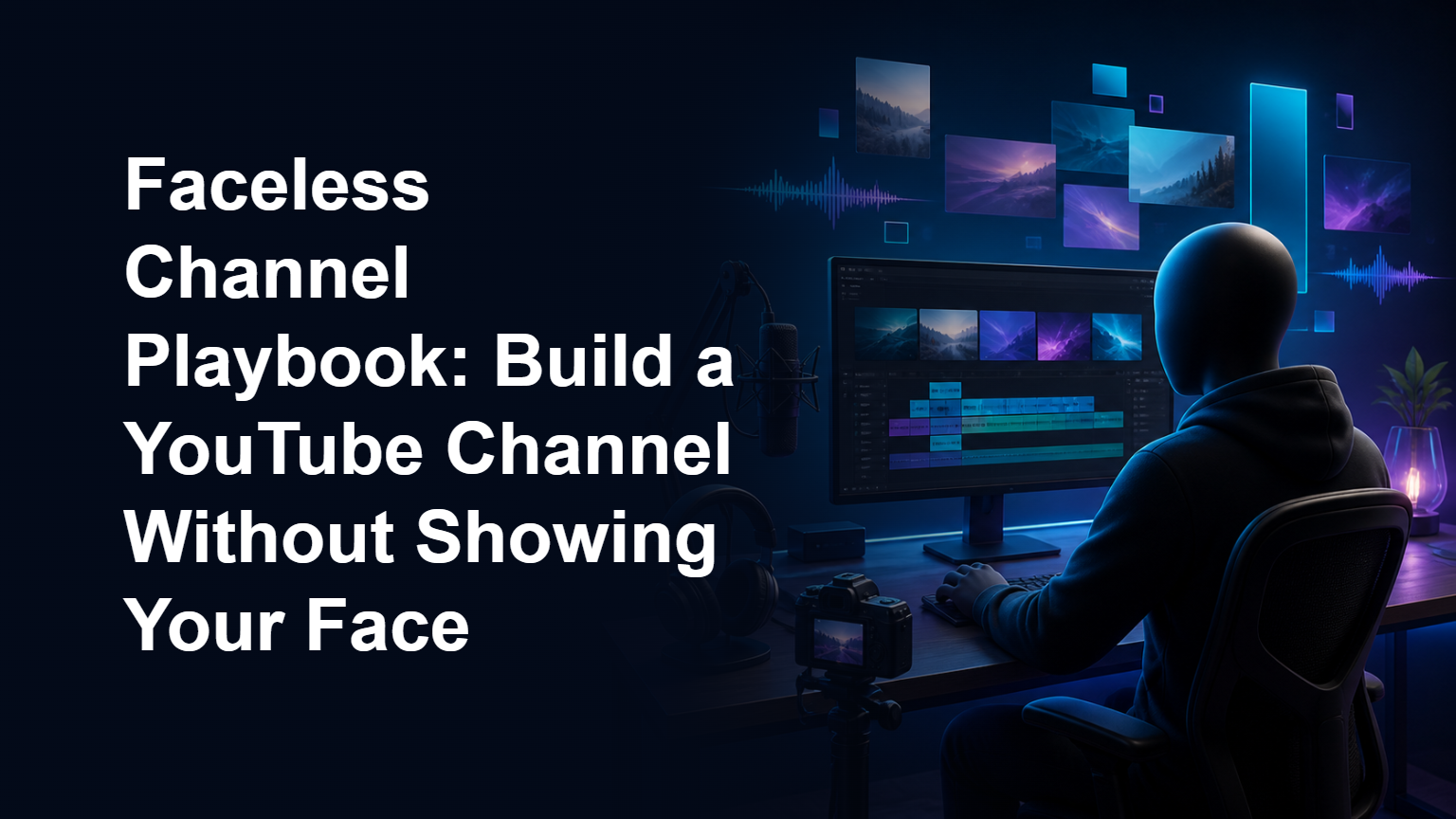
That is why I created Faceless Channel Playbook. It is a $27, 80-page guide designed to help beginners and small online business owners approach the process in a structured, realistic way.
What Is a Faceless YouTube Channel?
A faceless channel is a YouTube channel where the creator does not regularly appear on camera. The videos may use voice-over narration, text, slides, software demonstrations, product footage, illustrations, stock media used under the proper license, or a combination of formats.
Faceless does not mean effortless or anonymous in every respect. You still need to make responsible decisions about copyright, platform policies, accuracy, and originality. You also need to give viewers a reason to choose your videos over all the alternatives available to them.
The advantage is flexibility. A faceless format may suit you if you value privacy, feel uncomfortable on camera, have limited filming space, or want the channel to represent a business rather than a personal brand.
Why Faceless Channels Still Need a Clear Strategy
It is easy to focus on tools first. New creators often start by comparing microphones, editing applications, artificial intelligence tools, and stock media libraries. Those tools may help, but they cannot replace a clear channel concept.
Before producing videos, you need to know who you want to help, what kinds of questions you will answer, and whether you can continue making useful content about the topic. A channel built around random ideas may be difficult for viewers to understand and difficult for you to maintain.
My playbook starts with these strategic decisions because they affect everything that follows. Your niche influences your scripts, production format, titles, thumbnails, publishing schedule, and possible monetization options.
Choosing a Niche You Can Keep Serving
A promising niche is not simply a topic that appears popular. It should also fit your knowledge, interests, resources, and willingness to keep learning.
For example, a beginner might consider channels about software tutorials, home organization, business concepts, productivity, hobbies, or educational explainers. Each category creates different production requirements. A software tutorial may rely on screen recordings, while a historical explainer may require more research, narration, and visual sourcing.
Questions to Ask Before Committing
- Can I describe the intended viewer clearly?
- What problem, interest, or goal connects my video ideas?
- Can I think of multiple useful topics without repeating myself?
- Can I produce this content legally and within my current resources?
- Would I still want to cover this subject after the initial excitement fades?
Inside the book, I include a niche scoring worksheet to help you compare ideas more deliberately. It is designed to replace vague guesswork with a consistent evaluation process. I do not reproduce that worksheet here, but it is one of the practical resources included in the playbook.
Planning Scripts Without Sounding Mechanical
Faceless videos rely heavily on structure. When viewers cannot connect with an on-camera presenter, the script and visuals have to carry more of the communication.
A useful script should establish what the video is about, move through the subject logically, and avoid unnecessary detours. It should also give the viewer enough context to understand why each point matters.
This does not mean every sentence must sound formal. In many niches, clear conversational language works better than complicated wording. Reading a draft aloud can help you identify awkward sentences, repetition, and sections that take too long to reach the point.
Match the Script to the Video Format
A list-style video, a tutorial, and a case-study-style explanation should not all use an identical structure. The script should support the viewer’s reason for clicking.
For example, someone watching a tutorial generally wants a logical sequence and enough explanation to avoid confusion. Someone watching an overview may prefer the main ideas, relevant examples, and a concise summary.
Faceless Channel Playbook includes script templates for different content needs. The templates provide a starting structure while leaving room for your own research, voice, examples, and perspective. They are not intended to turn videos into generic copies of one another.
Creating a Manageable Production Process
Production is where many channel plans become too complicated. A creator may imagine every upload requiring advanced animation, extensive editing, and dozens of visual changes. That can make a publishing schedule difficult to sustain.
I prefer to think in terms of a repeatable production system. Decide what your standard video requires, which steps can be completed together, and where quality matters most for the viewer.
A Practical High-Level Workflow
- Choose and validate the topic. Confirm that it fits the channel and addresses a recognizable viewer need.
- Research responsibly. Gather the information required to make the video accurate and useful.
- Prepare the script. Organize the material before recording or editing.
- Create the audio and visuals. Use a format you can produce consistently and legally.
- Edit for clarity. Remove distractions and make the video easy to follow.
- Package the video. Develop a title and thumbnail that accurately communicate its value.
- Review and publish. Check the final upload for errors, rights issues, and misleading claims.
Your version may be simpler or more involved. A screen-recorded tutorial might need relatively few visual assets. An illustrated explainer could require considerably more preparation. The goal is not to copy another creator’s workflow, but to build one that matches your channel.
Why Thumbnails and Titles Matter
A valuable video can be overlooked if viewers do not understand what it offers. Titles and thumbnails help communicate the topic, benefit, or question addressed by the video.
They should create interest without promising something the video does not deliver. Misleading packaging may attract an initial click, but it can also disappoint viewers and weaken trust.
A useful title is usually specific enough to set expectations. A useful thumbnail supports the title rather than repeating every word. Both should remain understandable on a small screen.
A Simple Packaging Review
Before publishing, ask whether a new viewer can identify the general subject quickly. Check that the text is readable, the visual hierarchy is clear, and the promise matches the content.
The book includes separate thumbnail and title checklists to guide this review. They are intended to help you catch avoidable problems before publishing, without suggesting that any particular title or design can guarantee views.
Building a Sustainable Upload Routine
Consistency is useful only when the routine is realistic. Publishing at an aggressive pace for a few weeks and then stopping may be less helpful than choosing a schedule you can maintain alongside your business and other responsibilities.
Start by estimating the time needed for research, writing, recording, asset creation, editing, packaging, and upload checks. Be honest about which steps take the most energy. If one video requires more time than you have available, simplify the format or reduce the publishing frequency.
Batching can also make the process easier. You might research several related ideas in one session or prepare multiple outlines before moving into production. However, batching should support quality rather than encourage rushed, repetitive content.
Use Early Videos as Feedback
Your first videos are not only finished products. They also provide information about your workflow. Notice where you get stuck, what takes longer than expected, and which parts could be standardized.
You can then adjust your routine. Perhaps your scripts need clearer outlines before drafting. Maybe your thumbnail process needs to begin earlier. Small workflow improvements can make the channel easier to continue, even though they cannot guarantee audience growth or income.
What Is Inside Faceless Channel Playbook?
Faceless Channel Playbook is an 80-page digital playbook priced at $27. I created it to bring the major parts of channel building into one practical resource rather than leaving beginners to piece together disconnected advice.
Inside, I cover:
- How to approach niche selection for a faceless YouTube channel
- Planning and structuring scripts for different video needs
- Developing a repeatable production process
- Reviewing titles and thumbnails before publication
- Creating a sustainable upload routine
- A niche scoring worksheet for comparing channel ideas
- Script templates to support the writing process
- Thumbnail and title checklists
- A 90-day plan for putting the ideas into practice
The 90-day plan is there to give the process a defined shape. It does not promise that a channel will reach a particular audience size, ranking, or income level within 90 days. YouTube results depend on many factors, including topic selection, execution, viewer response, competition, and continued improvement.
Who Is This Playbook For?
The book is designed primarily for beginners, solo creators, and small online business owners who want to use YouTube without making themselves the visual focus of every upload.
It may be a good fit if you have been collecting ideas but have not turned them into a clear channel plan. It may also help if you have already published a few videos but your process feels improvised or difficult to repeat.
It is not a promise of passive income, instant traffic, or automatic success. Running a useful channel requires work, judgment, experimentation, and patience. The playbook provides structure, but you remain responsible for applying it to your niche and creating original content.
Practical Steps You Can Take Today
Even before choosing your software or recording your first narration, you can make progress with a few straightforward actions.
- Write down three possible channel topics.
- Describe the viewer for each topic in one or two sentences.
- List several video questions that viewer may genuinely want answered.
- Choose a faceless format that fits each topic.
- Estimate how long one complete video would take to produce.
- Remove any plan that depends on media you cannot legally use.
- Select a publishing pace that fits your actual weekly availability.
This exercise will not tell you everything, but it can expose unclear assumptions. A channel idea becomes easier to evaluate when you consider the viewer, content supply, format, and workload together.
Conclusion: Build a Channel Around a Process You Can Maintain
You do not need to appear on camera to create helpful YouTube content. You do, however, need to make thoughtful decisions about your audience, niche, scripts, visuals, production standards, and publishing routine.
My aim with Faceless Channel Playbook is to make those decisions less scattered. If you want the complete 80-page guide, worksheets, templates, checklists, and 90-day plan, you can get Faceless Channel Playbook directly from my store for $27.
Use it as a practical framework, adapt it to your circumstances, and give yourself room to improve as you learn what your viewers find useful.
Frequently Asked Questions
Do I need to show my face to build a YouTube channel?
No. Many formats can be produced without an on-camera presenter, including screen recordings, narrated explainers, demonstrations, slides, animation, and original visual presentations. The right format depends on your niche, skills, resources, and content.
Does a faceless YouTube channel require voice-over narration?
Not always. Some channels use text, natural audio, demonstrations, or other presentation styles. However, narration can help explain complex subjects and create continuity. Whatever format you choose should remain clear, original, and useful to the viewer.
Does the playbook guarantee views or income?
No. The playbook does not guarantee traffic, subscribers, rankings, monetization, or revenue. It provides a structured approach to planning and producing a channel, but results vary according to the niche, content quality, execution, audience response, and other factors.
Is the book suitable for complete beginners?
Yes. I wrote it with beginners and small online business owners in mind. It covers the major decisions involved in choosing a niche, planning scripts, organizing production, reviewing titles and thumbnails, and developing a sustainable routine.
What format is Faceless Channel Playbook?
It is an 80-page digital playbook sold through my Gumroad store. It includes guidance and practical supporting resources, including the niche scoring worksheet, script templates, checklists, and 90-day plan.
Where can I find more of your resources?
You can explore my complete collection of books, guides, and digital resources in my full library at Freebie Bro Vault.

How I rebuilt my credit and bought my home — the exact steps, in plain English.
GET IT — $27
 AI ToolsChannelEmpire Review: An AI Engine for Building Complete Faceless YouTube ChannelsRead the review →
 Digital Products20,000+ Done-For-You Canva Editable Digital Product Page Bundle: An Honest GuideRead the review →
 Affiliate ReviewsGumEtsy Review: A Practical Look at AI-Powered Digital Product CreationRead the review →